What can be seen?
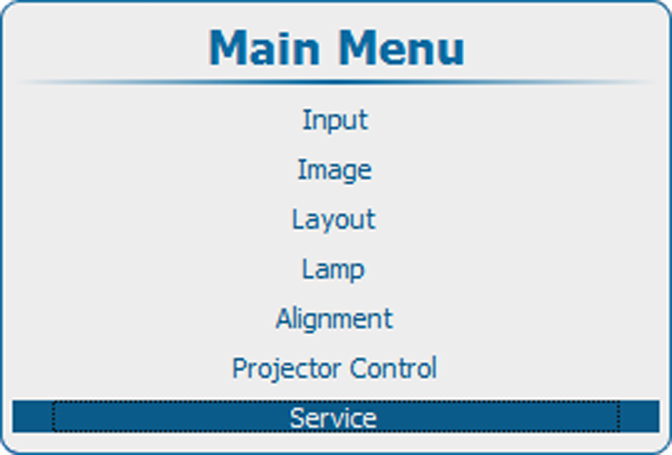
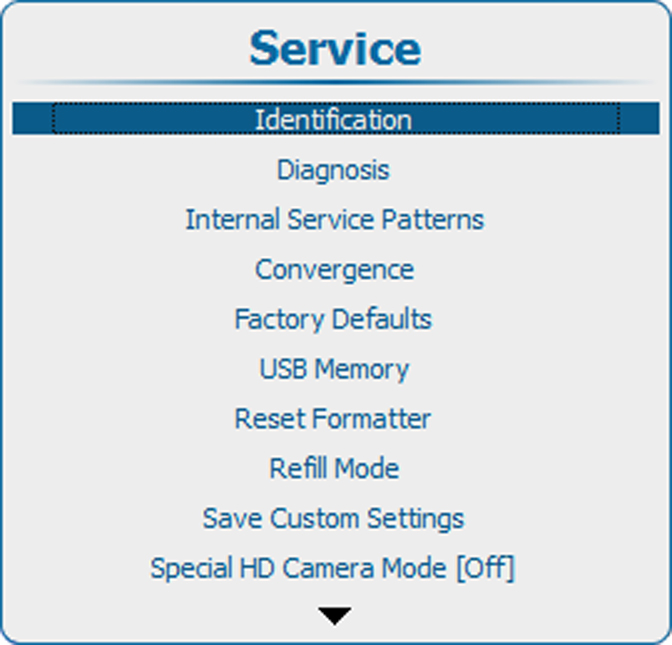
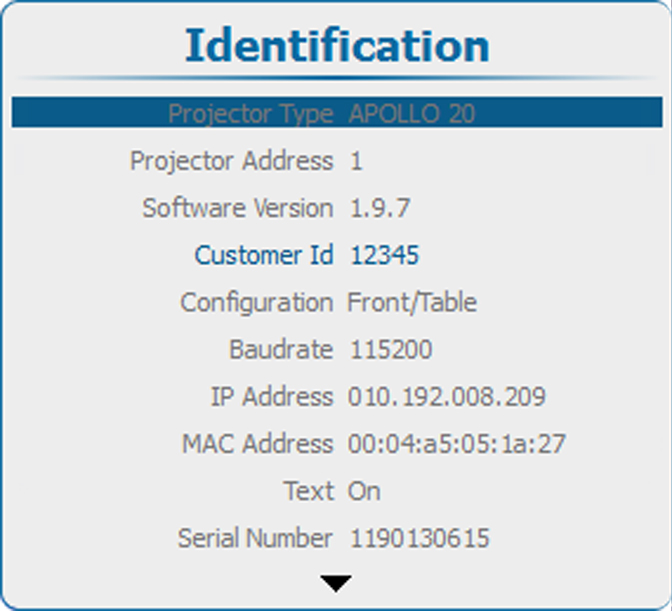
The identification screen shows the general information about the projector.
The following items will be displayed:
- Projector type
- Projector address
- Software version
- Configuration
- Baudrate
- IP address
- MAC address
- Status of the on screen text
- Serial number
- Projector Runtime
- Lamp on runtime
- Remaining Lamp runtime
- Customer Id