10.3.1 Contrast

About Contrast

The contrast function is used to adjust the contrast between the light and the dark areas of the displayed image. It applies a gain to the red, green and blue signals.

Contrast adjustment can be done with the Contrast key on the RCU or via the menu structure.
How to adjust
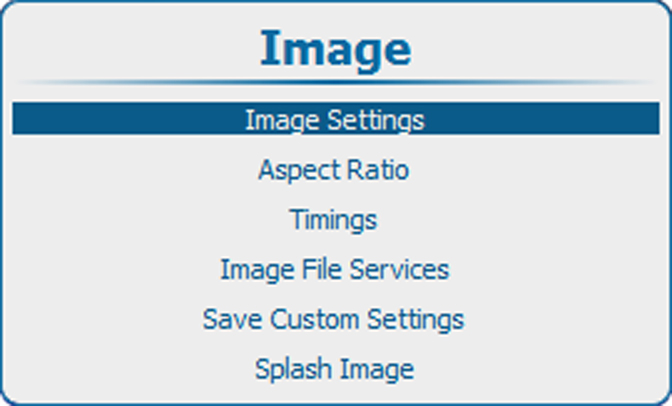
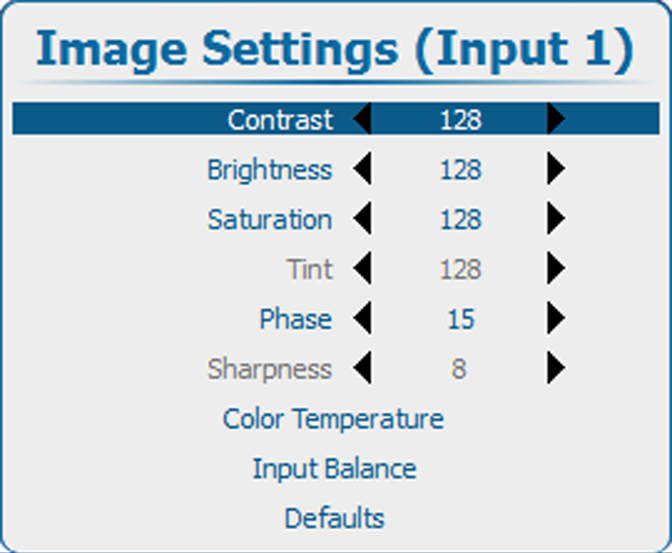
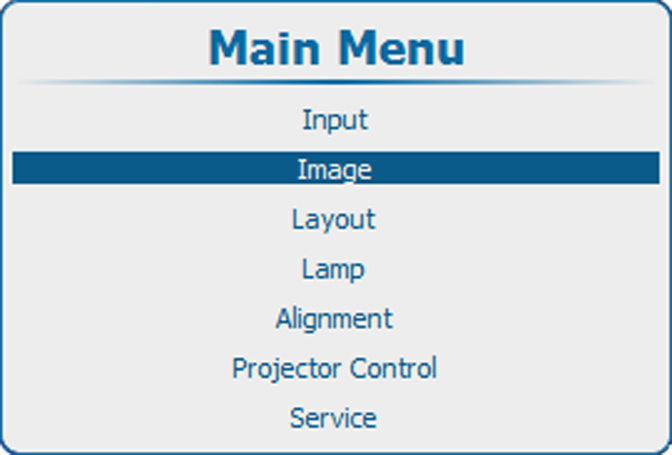
  1. Press Menu to activate the menus and select ImageImage SettingsContrast.

    Image 10–3 Main menu, Image
    Image 10–4 Image adjustments
    Image 10–5 Image settings, contrast
  2. Press ENTER to select.
  3. To change the value directly in the Image Settings window, use the or key or a numeric key 0-9 to adjust as a % of the full range.

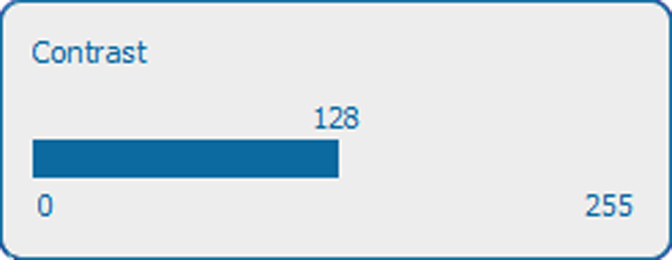
    To adjust via the bar scale menu, press ENTER to display the Contrast menu and adjust with the or key. Press ENTER again to enter the value directly with the numeric keys. Press EXIT to return to Image Settings menu.

    Image 10–6 Contrast adjustment