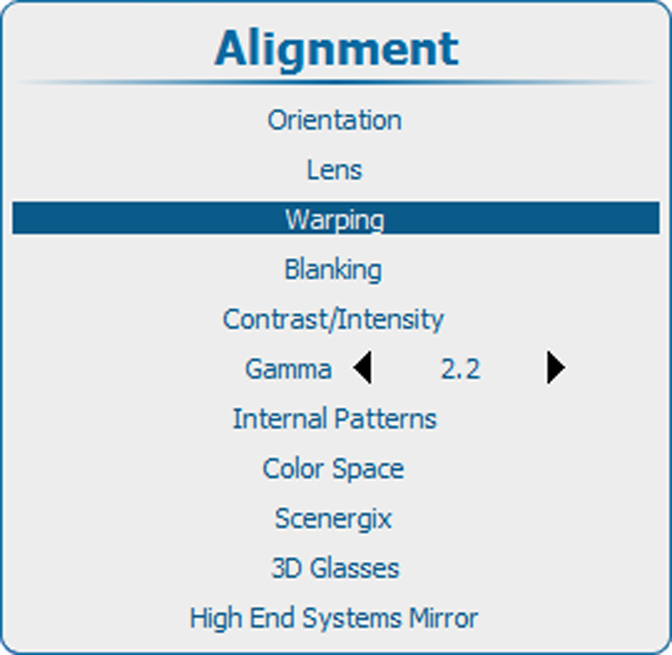
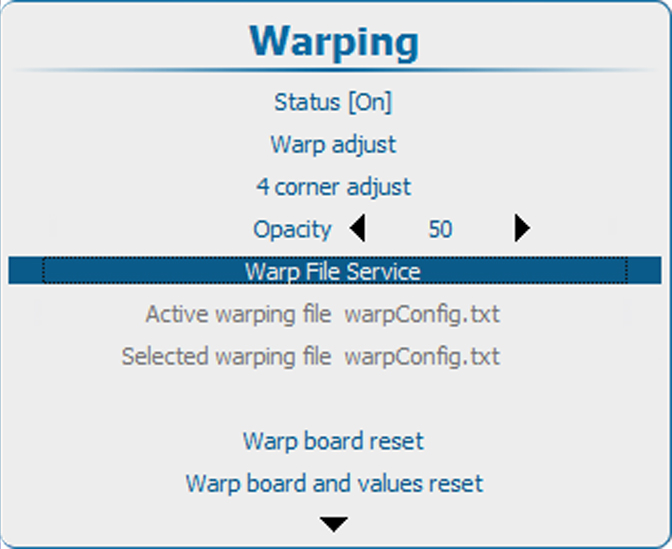
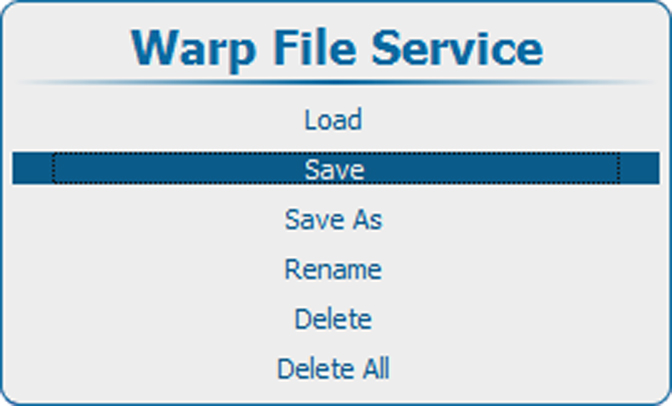
How to savePress Menu to activate the menus and select Alignment → Warping → .Warp File Service → .Save.Image 13–66 Main menu, alignmentImage 13–67 Alignment, WarpingImage 13–68 Warping, file serviceImage 13–69 Save to filePress ENTER to save the settings.