What can be done ?
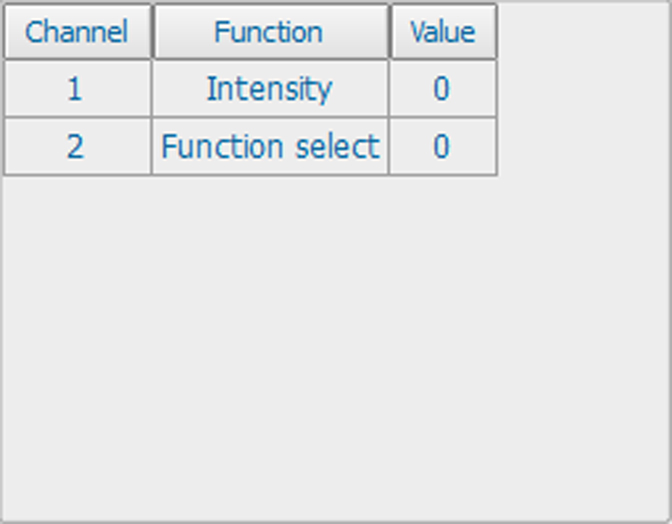
If a DMX device is connected, the settings per channel can be displayed in an on screen menu.

If a DMX device is connected, the settings per channel can be displayed in an on screen menu.
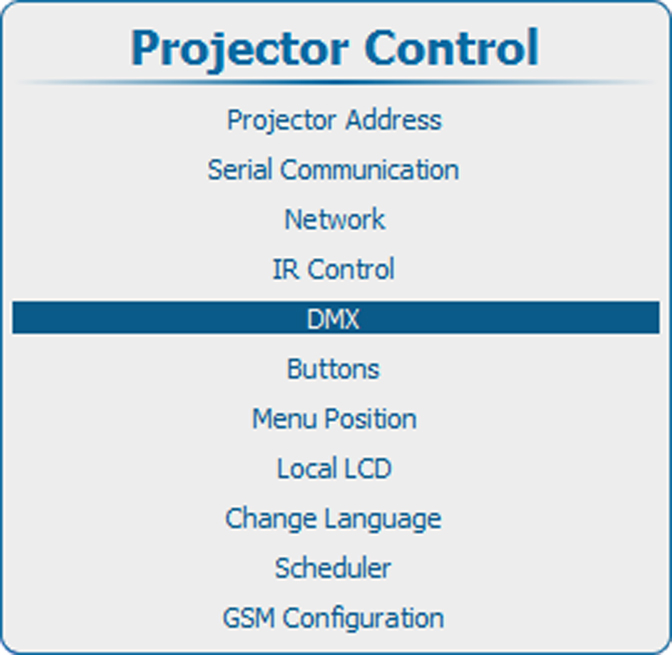
Press Menu to activate the menus and select → → .

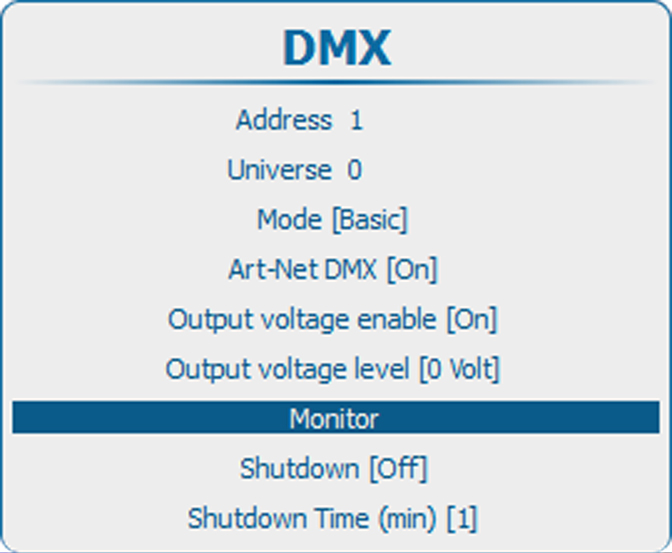
Press ENTER to open the overview list.