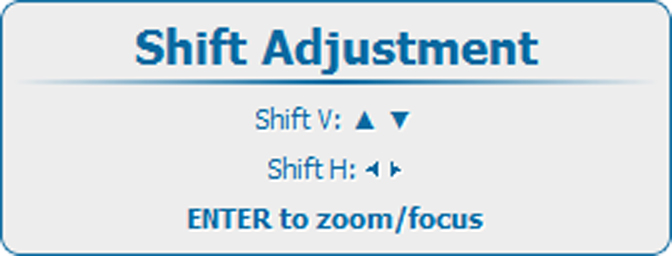
Quick zoom/focus adjustment
Press the LENS key on the remote control or local keypad to open the menu.
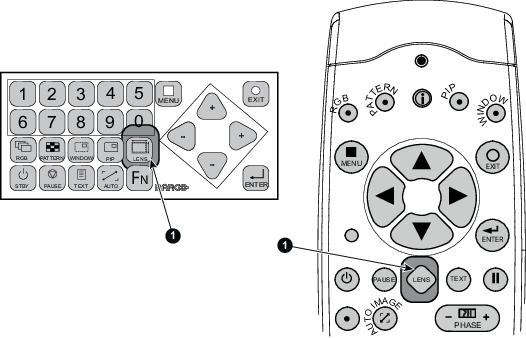
Image 7–2 Lens button 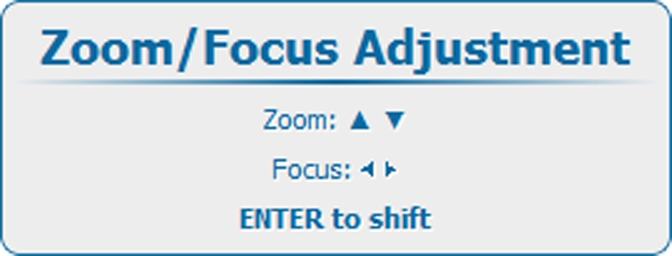
Image 7–3 Zoom/Focus adjustment - Use the ▲ or ▼ key to zoom and ◄ or ► key to focus the image.
- When finished, press EXIT key to return or ENTER to continue to the shift adjustment.