
How to rename?
Press Menu to activate the menus and select → ing → . → ..

Image 13–74 Main menu, alignment 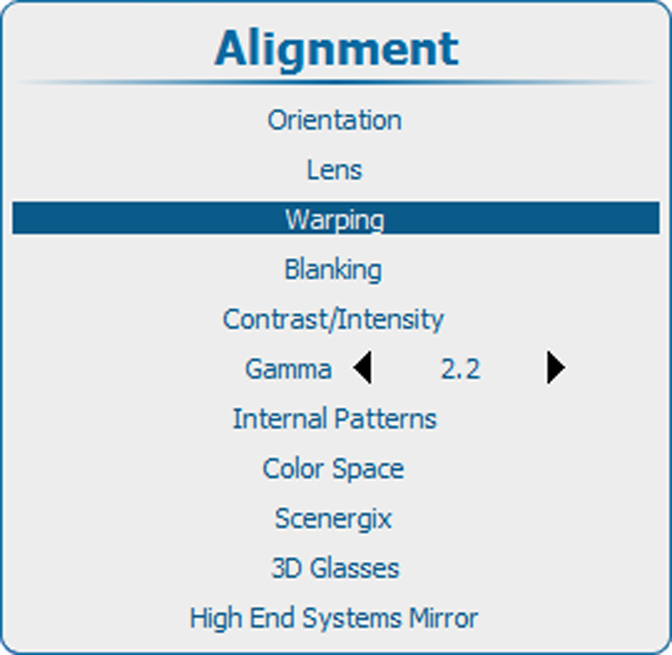
Image 13–75 Alignment, Warping 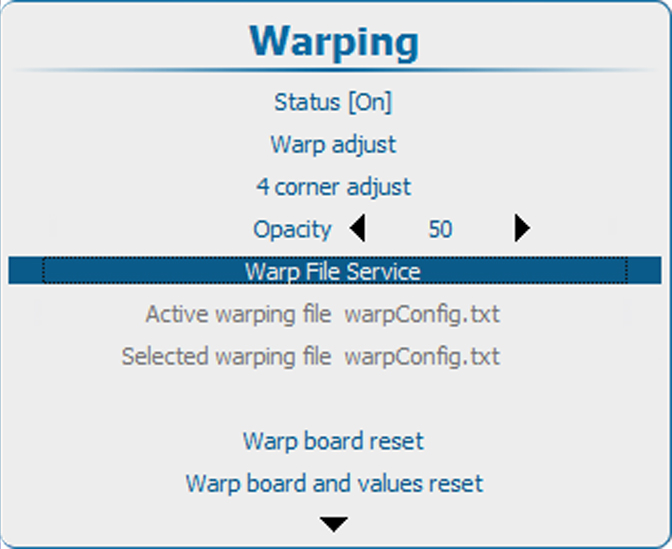
Image 13–76 Warping, file service 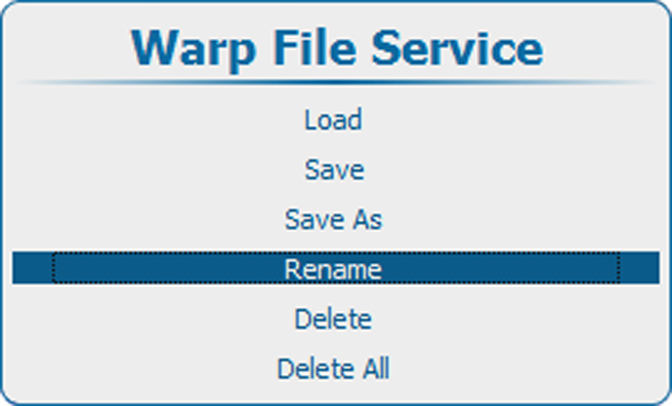
Image 13–77 Rename warp file 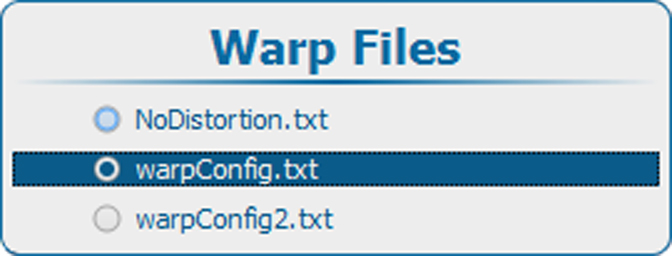
Image 13–78 Warp files 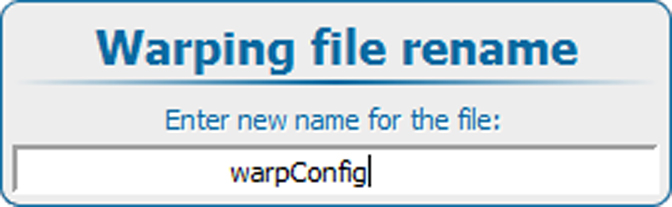
Image 13–79 Rename file - Press ENTER to display the list of warp files.
- Use the ▲ or ▼ key to select the file to rename. and press ENTER.
Use the ▲ or ▼ key to change the selected character.
Use the ◄ or ► key to select another character.

- Press ENTER to finalize the rename action.