What can be done?
A task stored in the list of tasks can be deleted from that list.

A task stored in the list of tasks can be deleted from that list.
Press Menu to activate the menus and select → → .

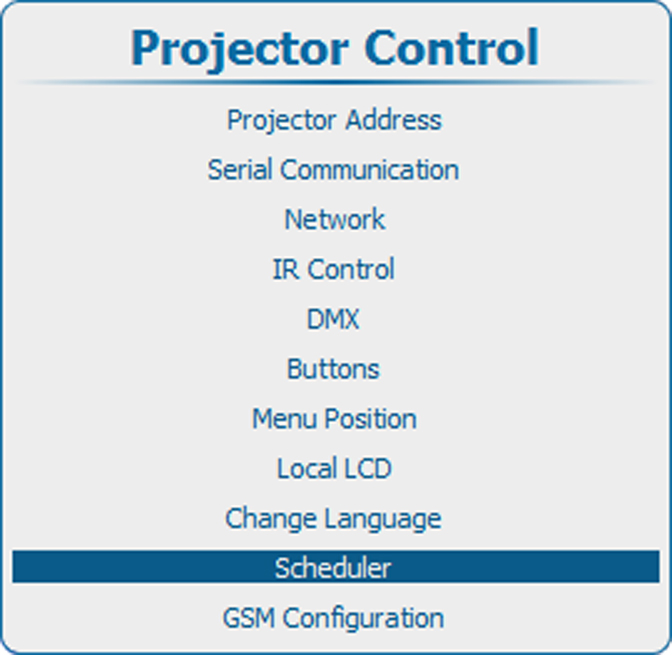
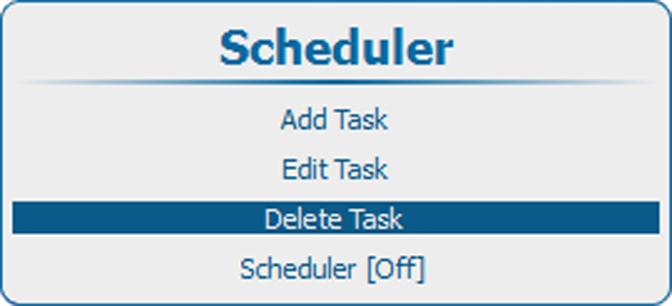
Press ENTER to open the list of tasks.
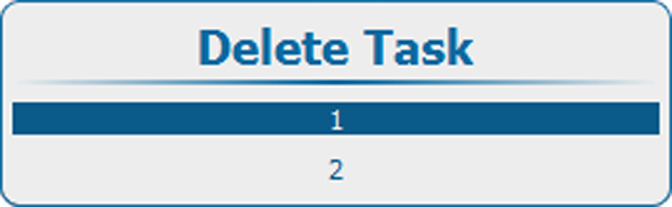
Use the ▲ or ▼ key to select the task to delete and press ENTER.
A confirmation window opens.
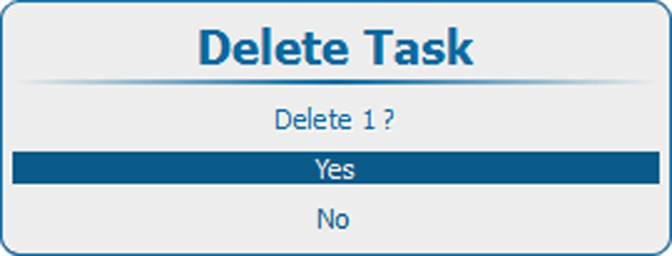
Select to delete the task.
Select to return without deleting the task.