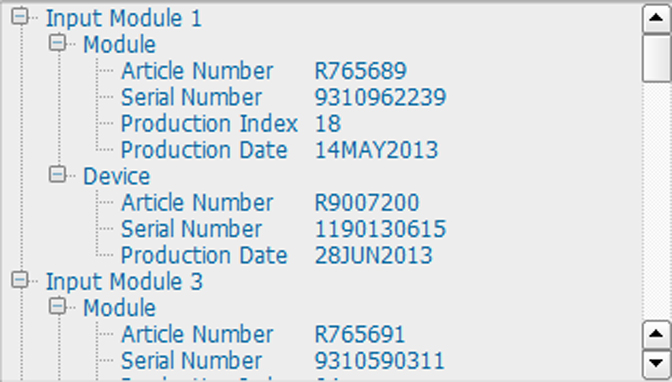
About Board Id
The board id window gives an overview of the modules with their article number, serial number, etc.

The board id window gives an overview of the modules with their article number, serial number, etc.
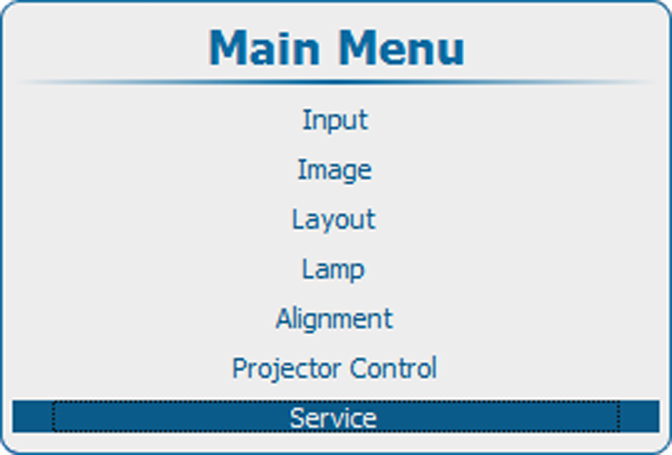
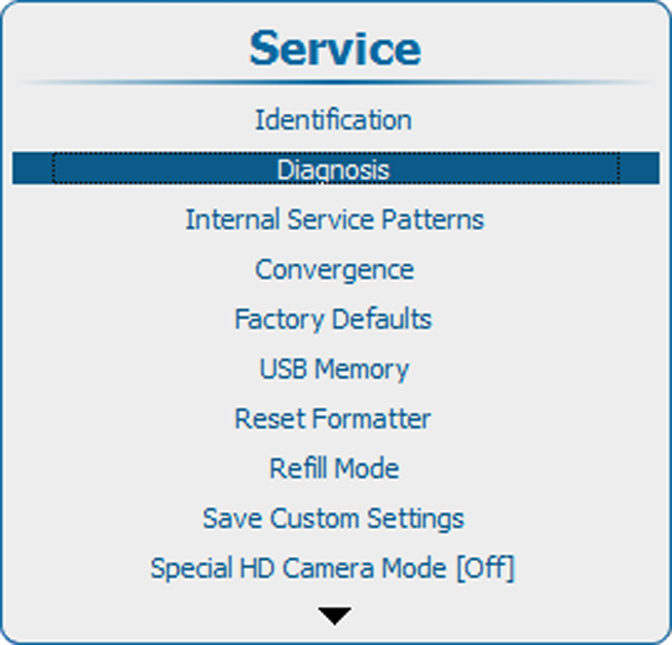
Press Menu to activate the menus and select → → .
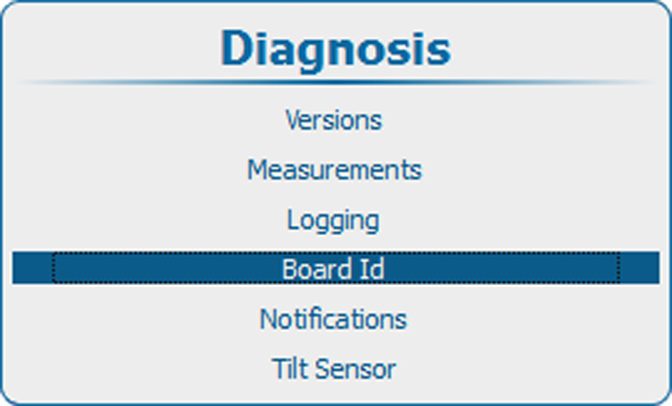
Press ENTER to display an overview of the board IDs.