10.6.3 File Load Filter

About the filter setting

Depending on the load file filter, the load list can be reduced to the fitted files or can be expanded to show all files.

[Fit] : reduced list corresponding with the input source.

[All] : full list with all available files in the projector.
How to set up
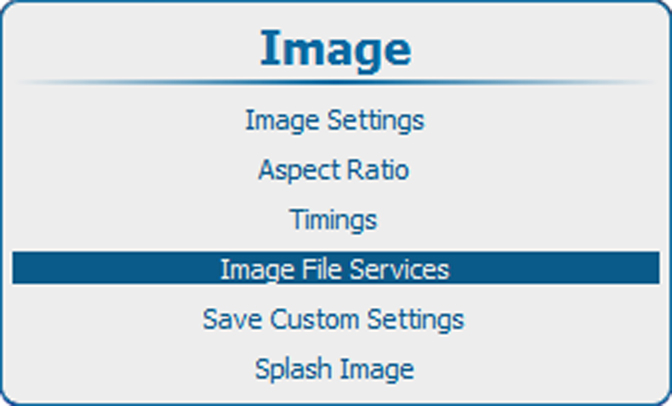
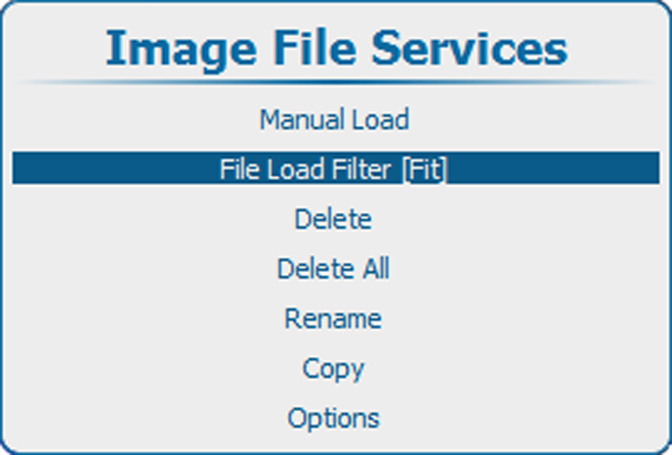
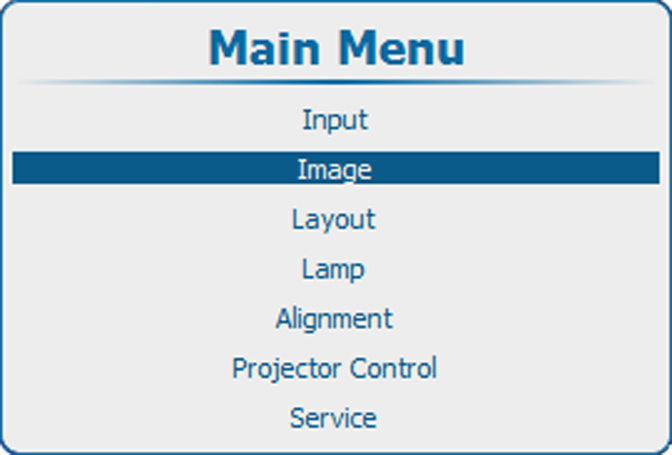
  1. Press Menu to activate the menus and select ImageImage File Services File Load Filter.

    Image 10–65 Main menu, Image
    Image 10–66 Image, image file services
    Image 10–67 File load filter
  2. Press ENTER to toggle between [All] and [Fit].