What can be done ?
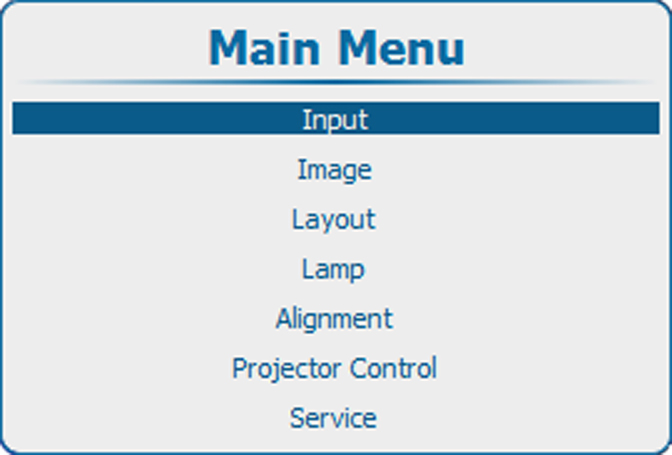
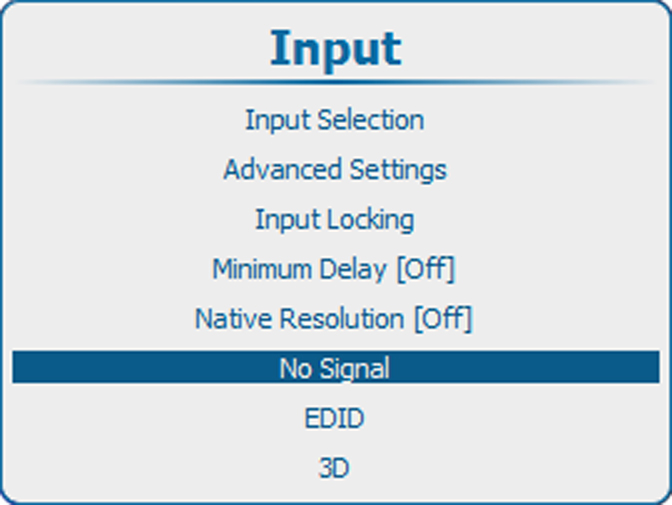
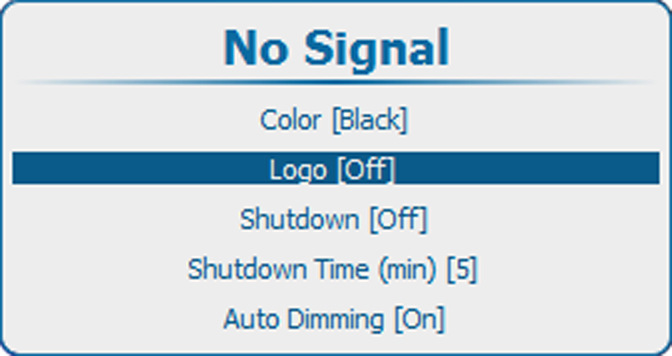
A logo can be switched on or off.
When logo is switched on and a logo is available, that logo will be displayed when no signal is available for the main window an no signal available for the PiP window in case PiP is On.

A logo can be switched on or off.
When logo is switched on and a logo is available, that logo will be displayed when no signal is available for the main window an no signal available for the PiP window in case PiP is On.
Press ENTER to toggle between or .