
How to select
Select 5 cable and press ENTER to open the selections
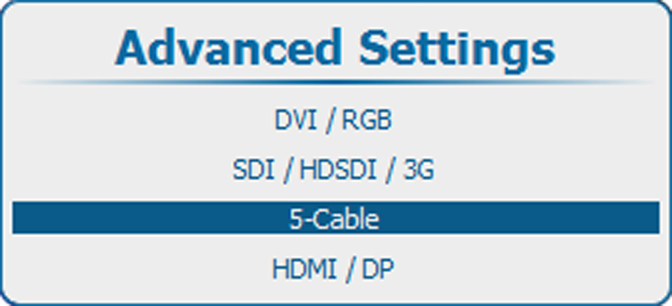
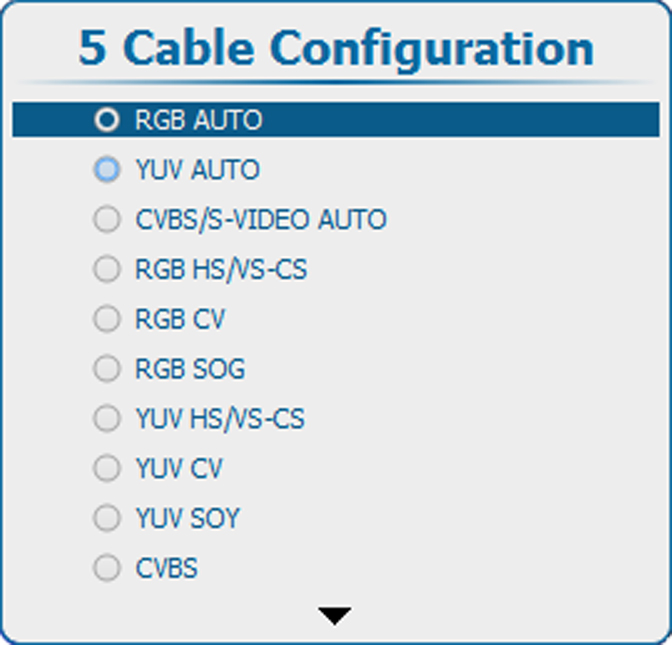
Use the ▲ or ▼ key to select the desired configuration and press ENTER to select.
When e.g. CVBS/S-VIDEO AUTO is selected, the projector discovers itself which type of signal is connected to it and loads the correct settings.
For RGB selections, advanced settings are possible. To adjust these advanced settings, use the ▲ or ▼ key to select and press ENTER. The advanced settings menu opens:
Press ENTER to toggle between [Analog] and [TTL].