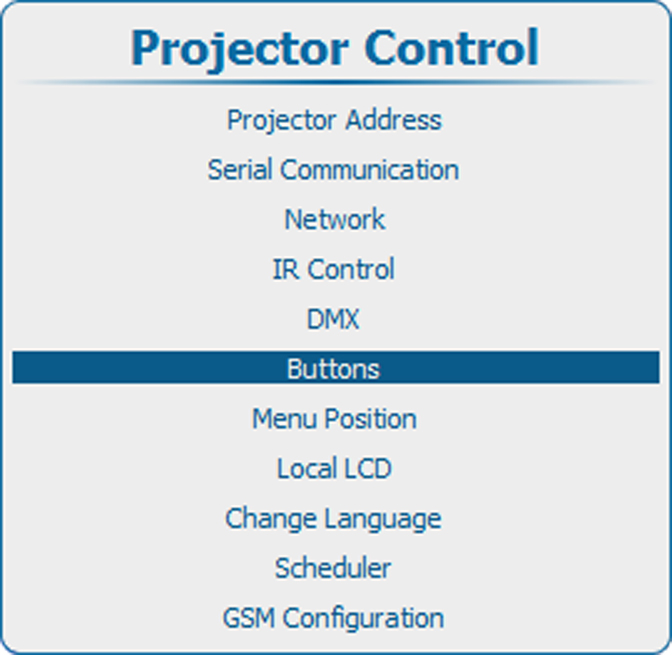
What can be done ?
When going to standby by pressing the standby button, the following can happen:
- Only lamp will be switched off
- Lamp will be switched off and projector electronics will be powered down after an period (ECO standby)
In ECO standby only the microcontroller, communication interface and local (or remote) control are operational. All other electronics are powered down.