15.5 Convergence

What can be done?

The convergence patterns can be used to check the convergence alignment of red, green and blue. If there is a misalignment of at least one 1 pixel, an electronic realignment is possible.

Mechanical realignment of the convergence can only be done by a qualified service technician.
How to display the convergence settings
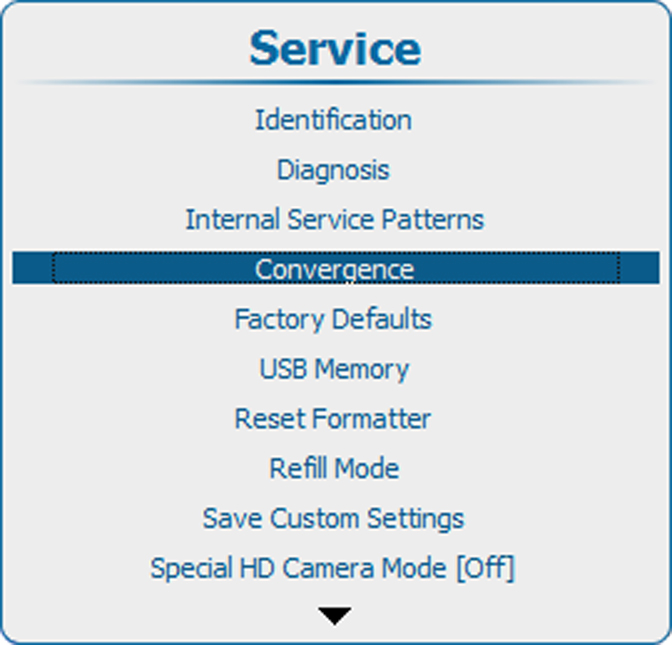
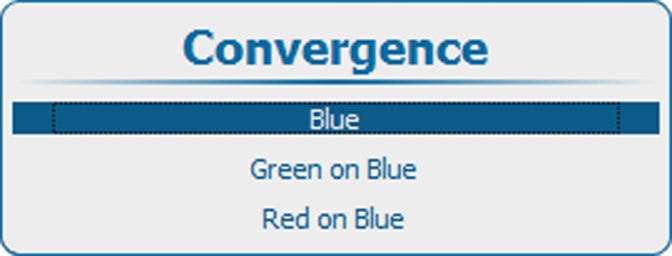
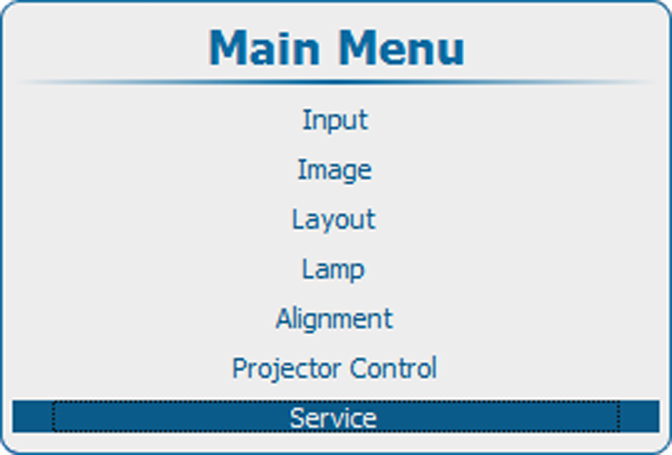
  1. Press Menu to activate the menus and select ServiceConvergence.

    Image 15–49 Main menu, service
    Image 15–50 Service, convergence
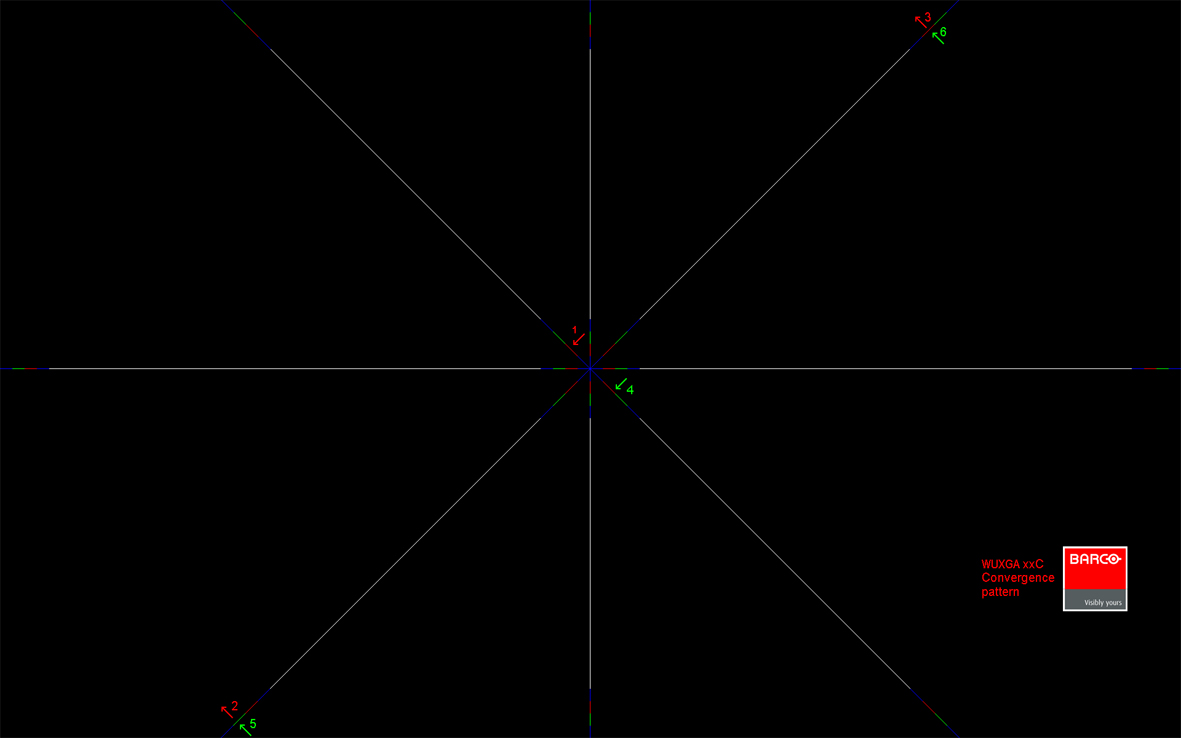
    Image 15–51 Convergence pattern
  2. Use the ▲ or ▼ key to select a pattern.
  3. Press ENTER to start the adjustment.

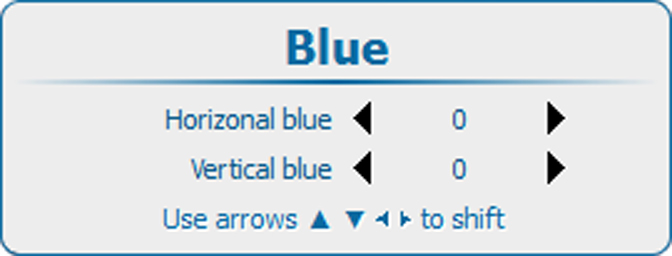
    Image 15–52 Convergence adjustment
    Image 15–53
  4. Use the ▲ or ▼ key to adjust vertical and the ◄ or ► key to adjust vertical convergence.

    Adjust until the crossing of the center Green (Red) convergence pattern coincide with the diagonal line of the center Blue convergence pattern.