
How to delete
Press Menu to activate the menus and select → ing → . → ..

Image 13–80 Main menu, alignment 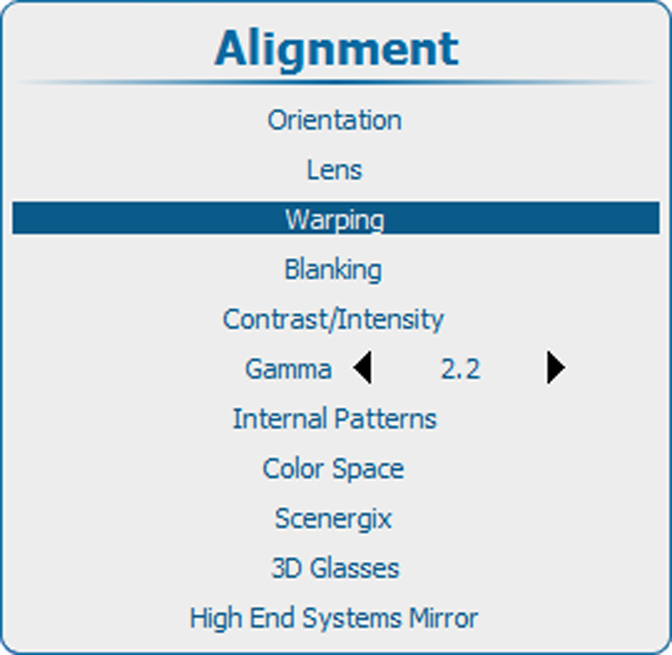
Image 13–81 Alignment, Warping 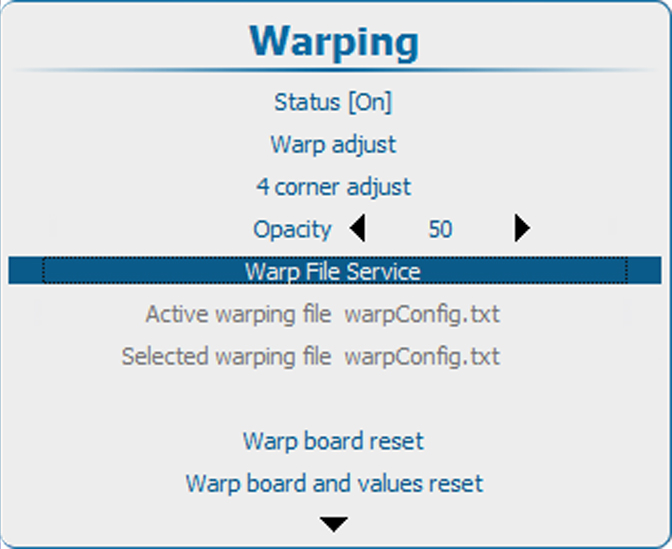
Image 13–82 Warping, file service 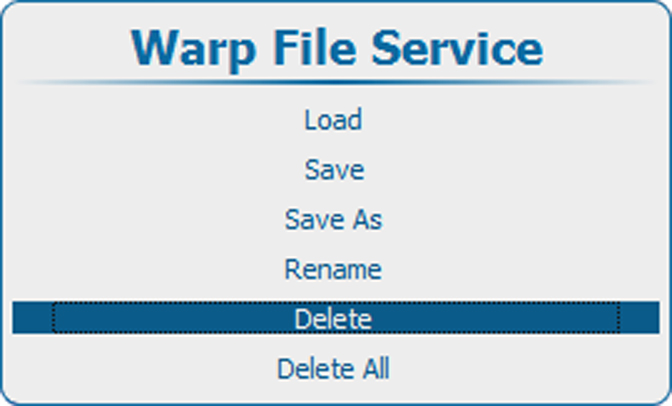
Image 13–83 Delete warp file Press ENTER to display the Warp file list.
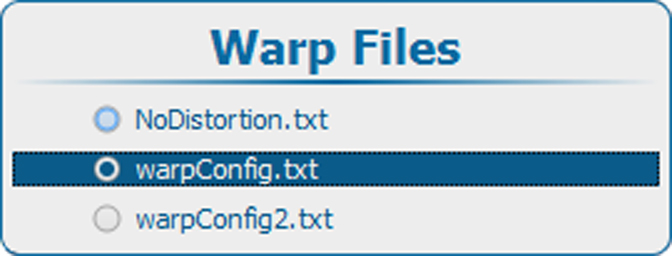
Image 13–84 Warp files 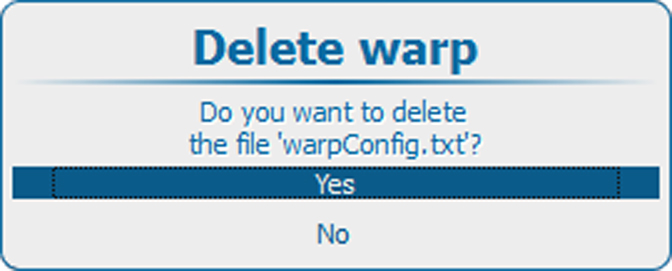
Image 13–85 Confirm delete - Use the ▲ or ▼ key to select the file to delete and press ENTER.
Use the ▲ or ▼ key to Yes or No and press ENTER.
Yes: file will be deleted.
No: file remains in list.