13.8.18 Warp file service, save as

What can be done?

The current settings can be saved into a new file.

How to save
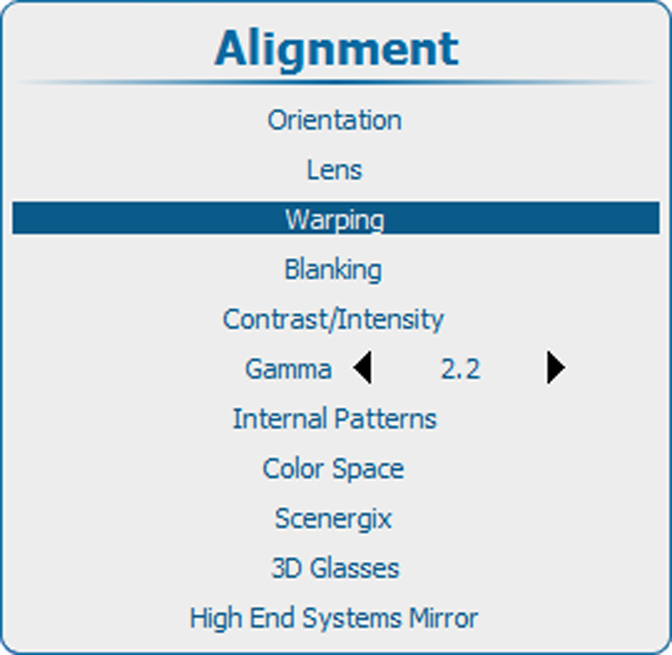
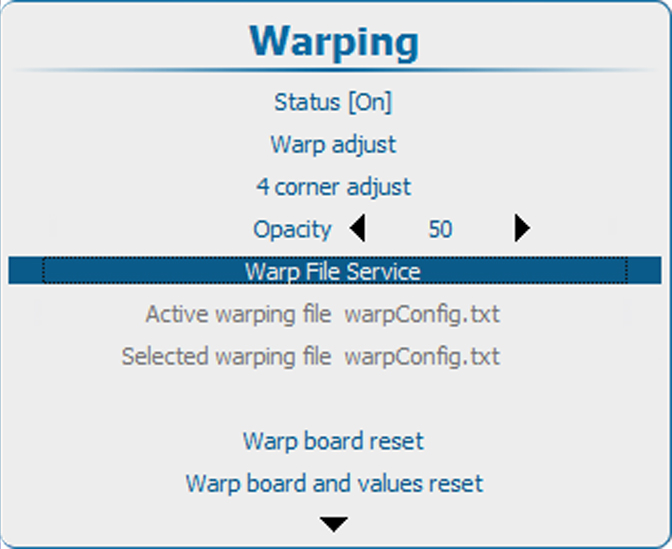
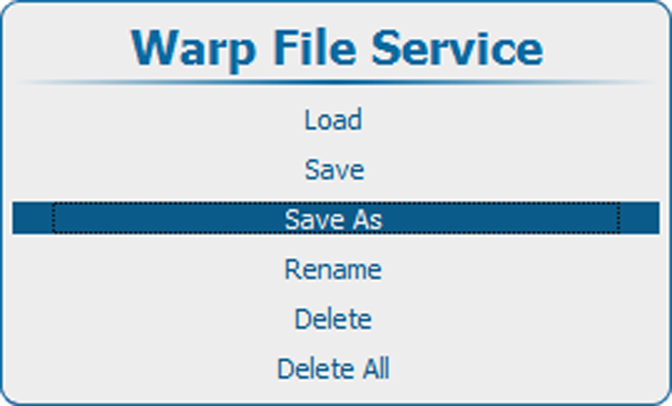
  1. Press Menu to activate the menus and select AlignmentWarping → .Warp File Service → .Save as.

    Image 13–70 Main menu, alignment
    Image 13–71 Alignment, Warping
    Image 13–72 Warping, file service
    Image 13–73 Save as
  2. Press ENTER to open the Enter the name window.

    The current active file name is displayed.

  3. Use the ▲ or ▼ key to change the selected character.

    Use the or key to select another character.

    Note: Digits can be entered with the digit keys on the remote control or the local keypad. When a digit is entered in that way, the next character will be selected automatically. Arrow key left () has the backspace functionality.
  4. Press ENTER to finalize the save as action.