About SDI input
The Dual SD/HD/3G-SDI Input can accept standard-definition (SD), high-definition (HD) and 3 Gigabit-definition serial-digital-interface (SDI) signals .

The Dual SD/HD/3G-SDI Input can accept standard-definition (SD), high-definition (HD) and 3 Gigabit-definition serial-digital-interface (SDI) signals .
Select SDI (SD / HD / 3G / Dual) and press ENTER to open the selections
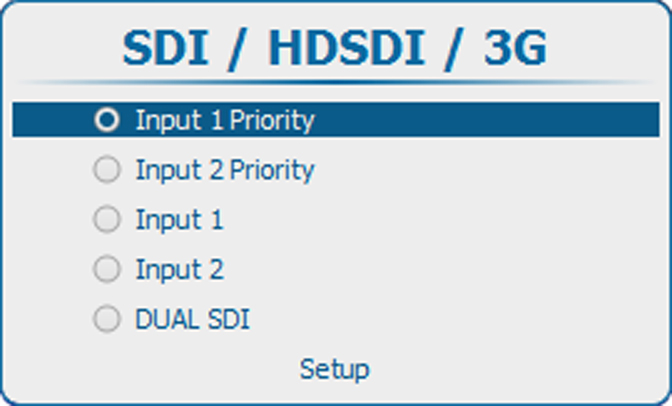
The following selections are possible:
To set up the SDI input, select and press ENTER.
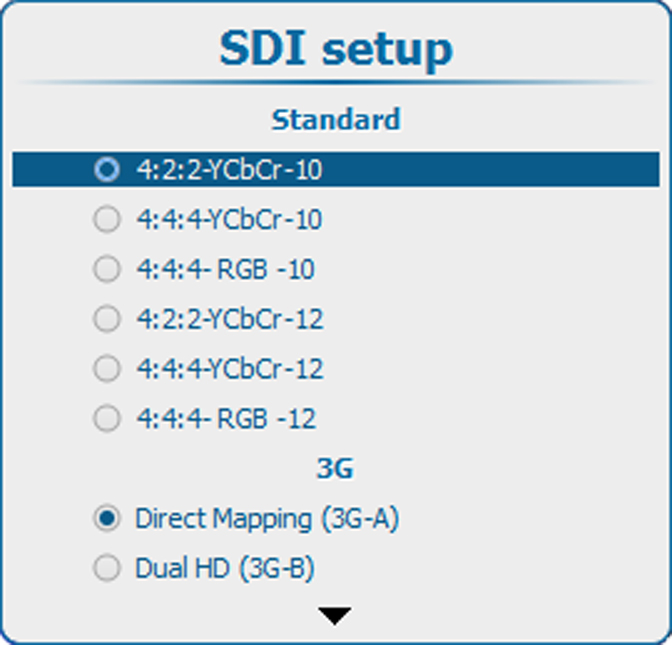
First, select the standard. Use the ▲ or ▼ key to select and press ENTER to accept.
Standard :
Then, select the 3G setting. Use the ▲ or ▼ key to select and press ENTER to accept.
3G-A and 3G-B:
When Dual HD is selected, it is possible to use Swap links. If Swap links must be used, use the ▲ or ▼ key to select and press ENTER to accept. The check box will be checked.
Dual HD :