
How to load
Press Menu to activate the menus and select → → .
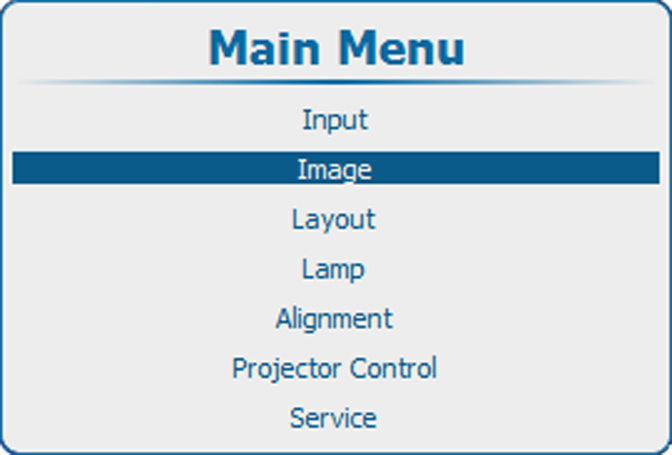
Image 10–61 Main menu, Image 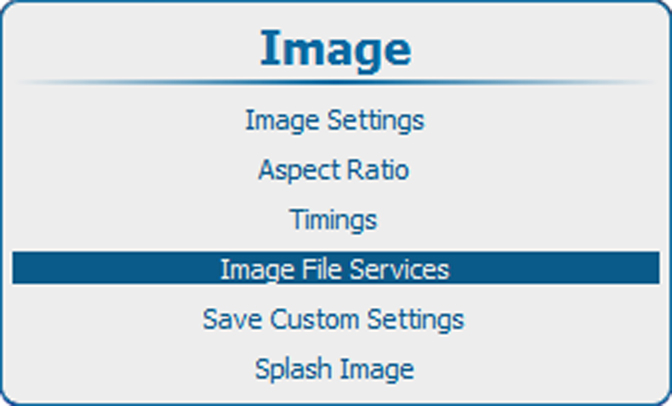
Image 10–62 Image, image file services 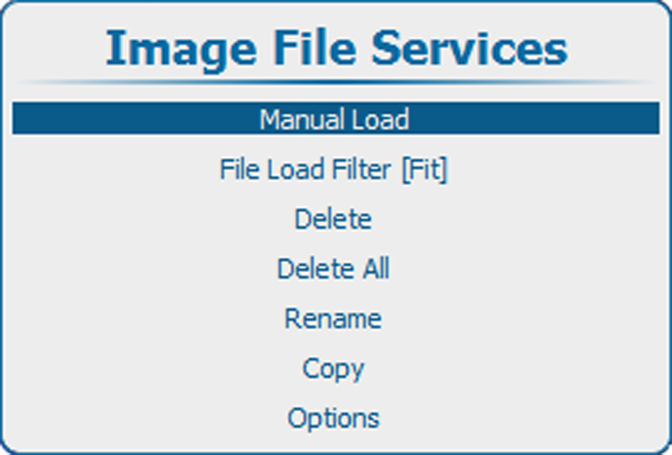
Image 10–63 Image file services Press ENTER to select.
Depending on the setting a full list or a list fitting the selected source is displayed.
When staying for at least 3 seconds on the same file selection after scrolling through the list of image files a pre-load is started.
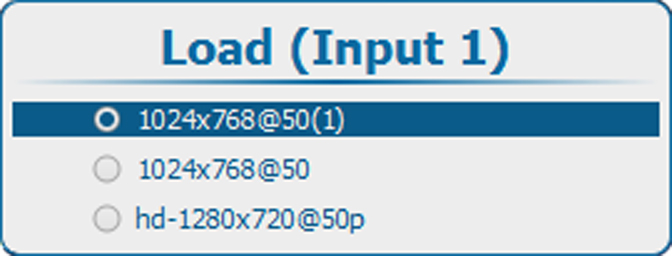
Image 10–64 Load file - Use the ▲ or ▼ key to select the desired file and press ENTER to load this file.