About field dominance
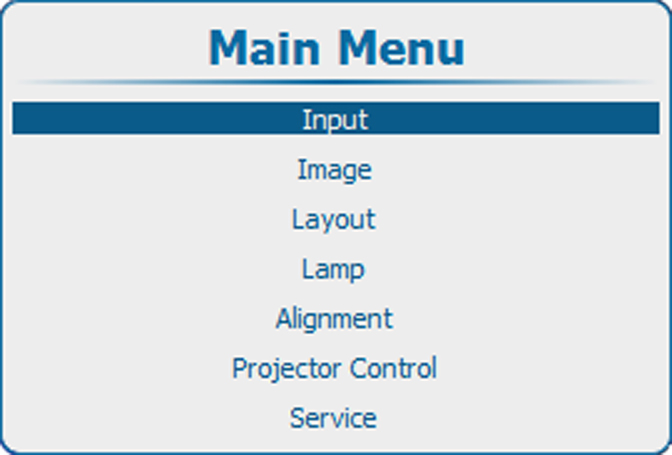
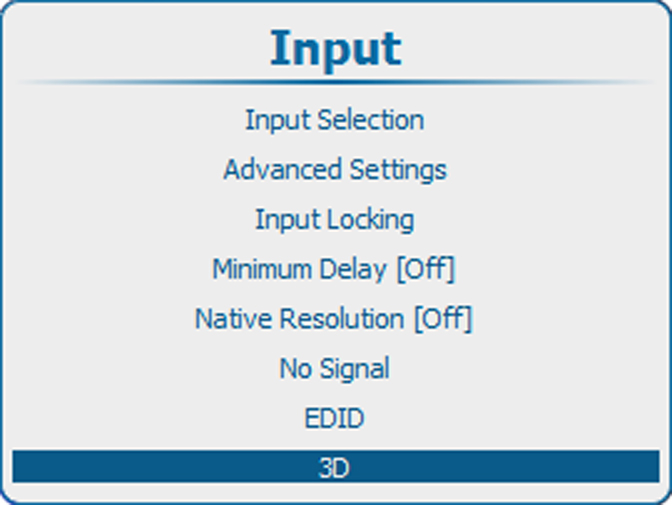
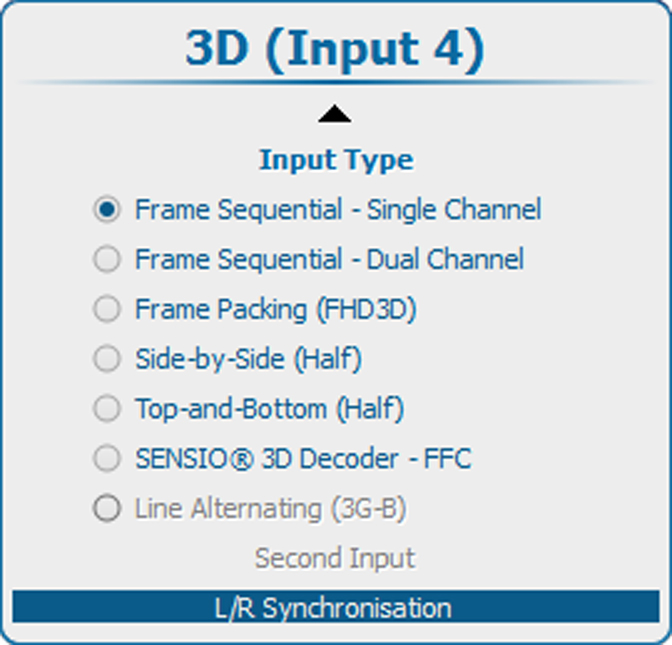
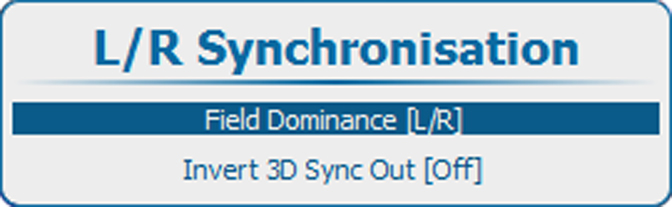
The setting has only effect in the 3D mode: Frame sequential - Single channel (in all other modes this setting is grayed out). Furthermore, the input frequency must be equal or lower than 100 Hz (50 Hz per eye). In case the input frequency is higher than 100 Hz (50 Hz per eye, 59.94 & 60 Hz in practice), the “Field dominance” setting has no effect.
For the lower input frequencies (40 Hz or lower/eye), triple flash is used and for frequencies between 40 and 51 Hz/eye double flashing is introduced and the coupling between the video input signal and the 3D SYNC IN signal must be determined.
This setting is stored per input.