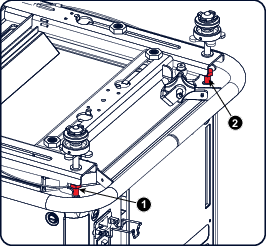
Required tools
Open wrench 17 mm

Open wrench 17 mm
4x bolt M10 x 16 mm
Turn out the 4 feet.
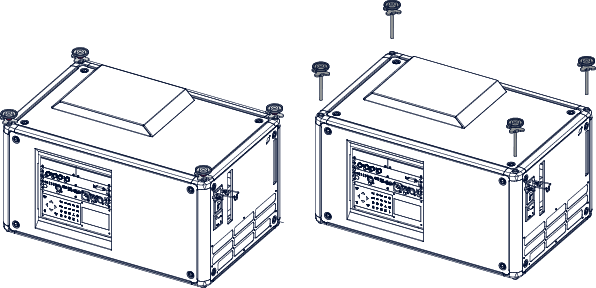
Turn out the feet of the carry handle as far as possible.
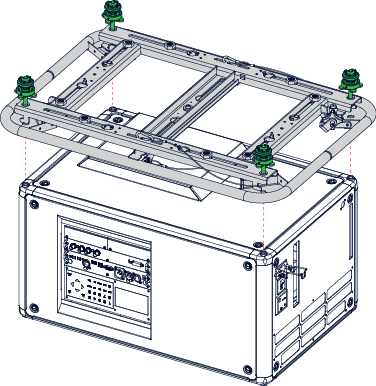
Place the carry handle on the projector as illustrated. Adjustment knob to the back of the projector.
Make sure that the mounting holes matches the holes in the projector.
Insert a bolt in each corner and turn in these bolts.