
How to set up
Press Menu to activate the menus and select → .

Image 14–27 Main menu, projector control 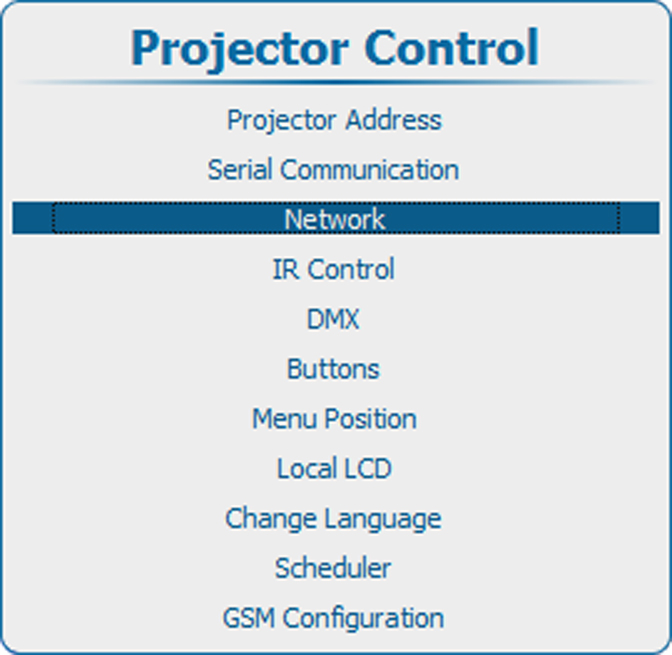
Image 14–28 Projector control, network 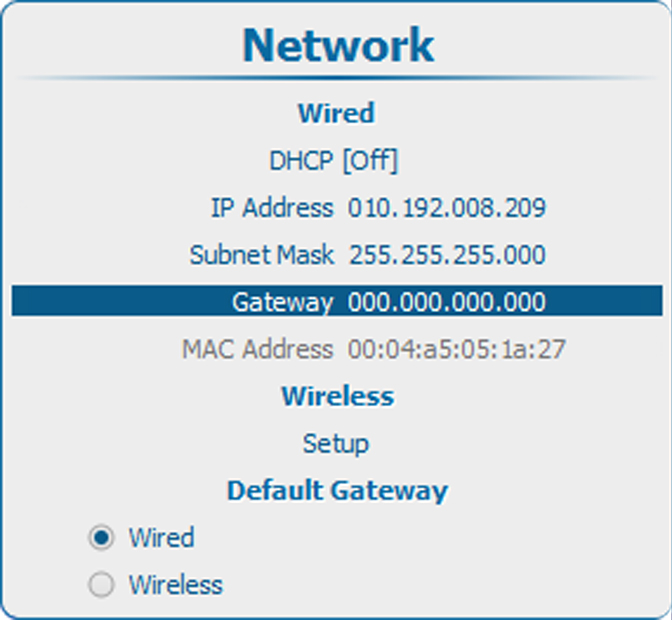
Image 14–29 Network, default gateway Use the ▲ or ▼ key to select under and press ENTER to activate the input box.
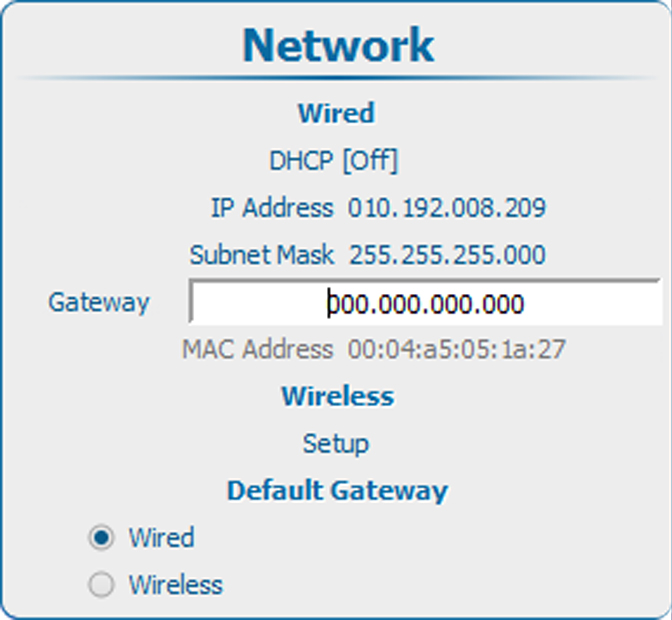
Image 14–30 Default Gateway, input Use the ▲ or ▼ key to change the selected character.
Use the ◄ or ► key to select another character.
