About the opacity of the OSD menus
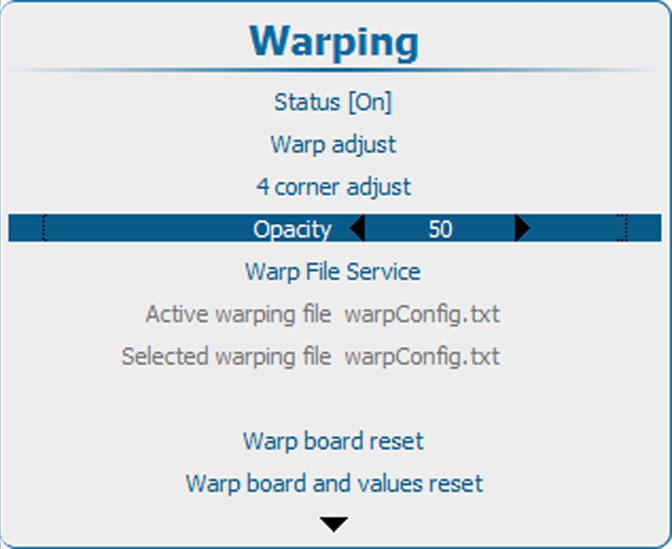
During the warp adjustment process the OSD menu is displayed on top the warp grid. To see the grid and the grid points, reduce the opacity of the OSD menu.
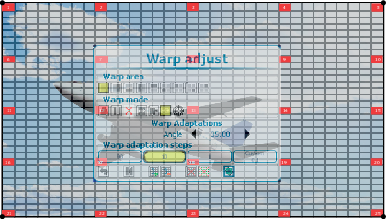

During the warp adjustment process the OSD menu is displayed on top the warp grid. To see the grid and the grid points, reduce the opacity of the OSD menu.
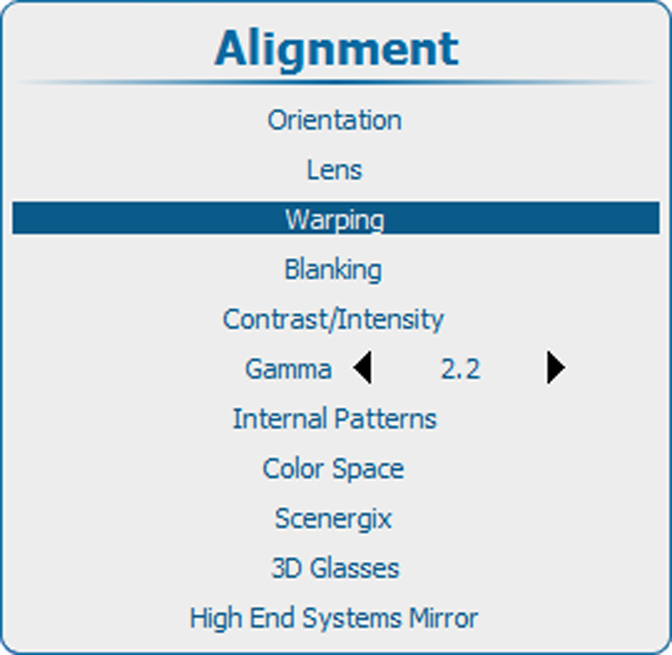
Press Menu to activate the menus and select → ing → ..