

How to delete
- Press Menu to activate the menus and select → → .
Press ENTER to open the EDID list with custom files.
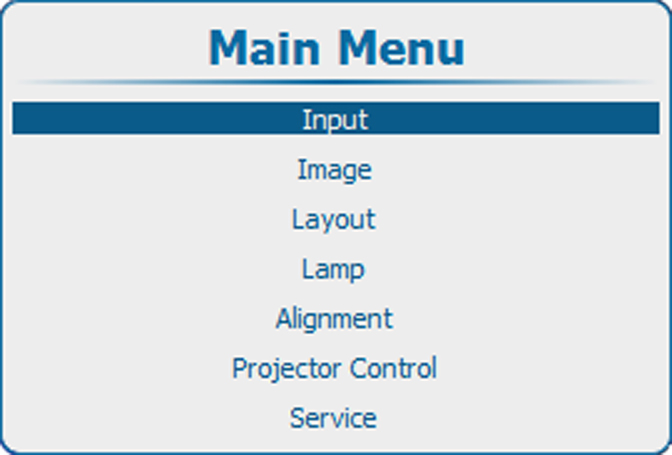
Image 9–49 Main menu 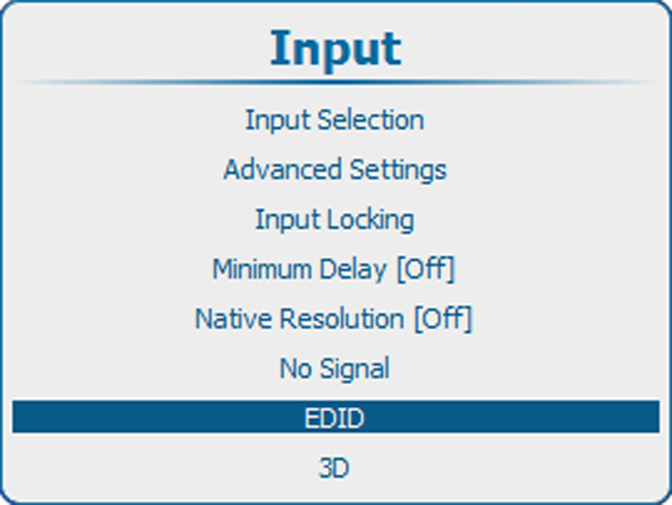
Image 9–50 Input, EDID 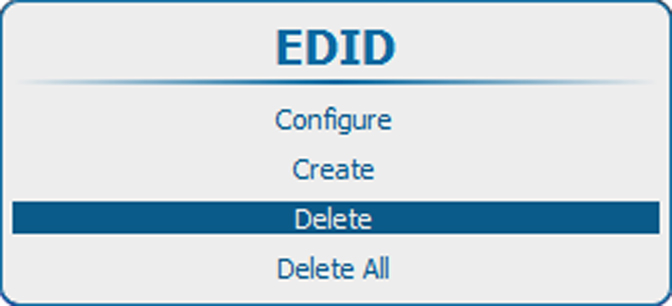
Image 9–51 EDID, delete Use the ▲ or ▼ key to select the file which must be deleted.
Press ENTER to delete.
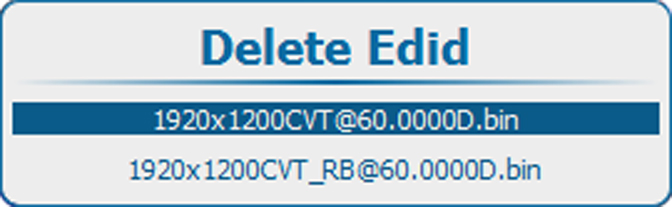
Image 9–52 EDID, delete list 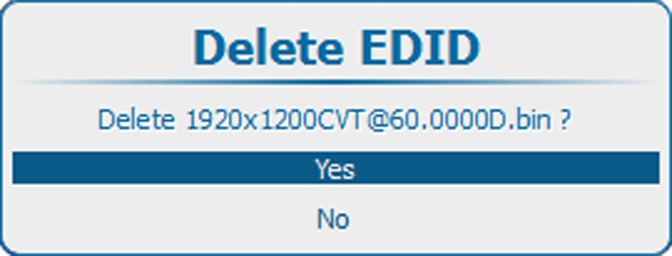
Image 9–53 Confirmation A confirmation window opens.
- Select to delete the file and press ENTER.