What can be done?
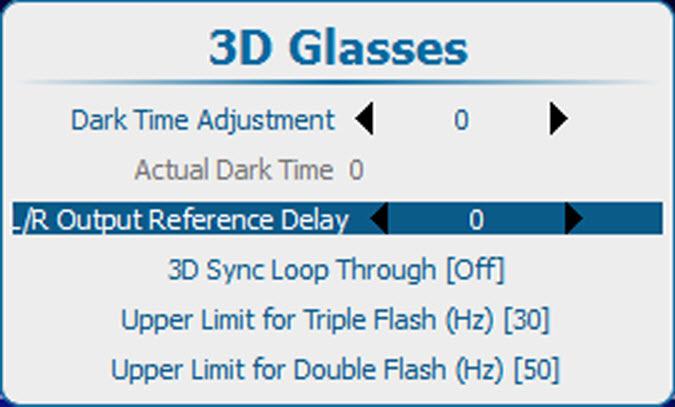
With L/R output reference delay it is possible to apply an adjustable time delay on the stereo emitter signal.
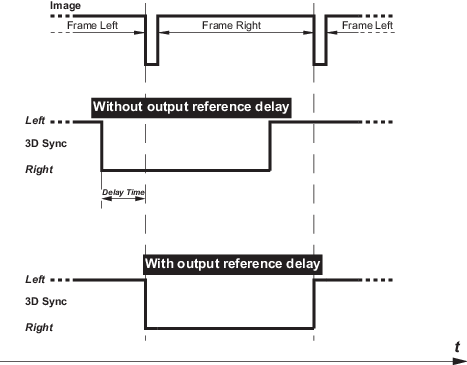

With L/R output reference delay it is possible to apply an adjustable time delay on the stereo emitter signal.
Press Menu to activate the menus and select → .

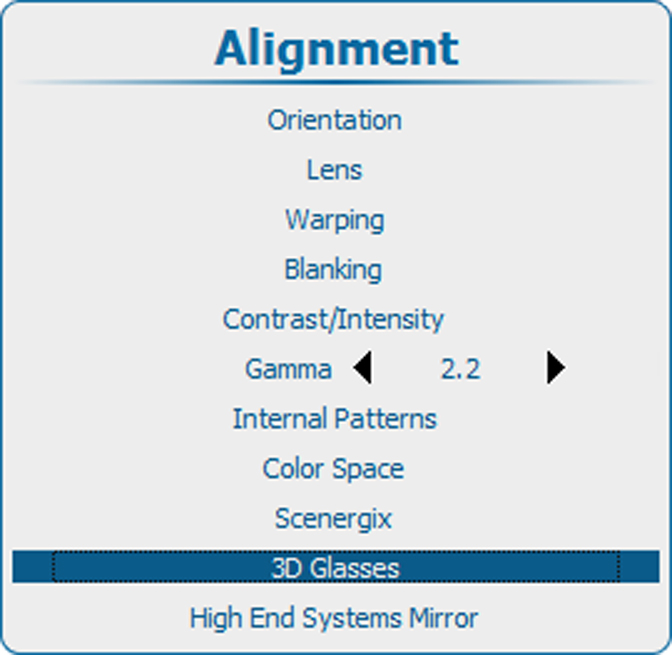
Use the ▲ or ▼ key to select