
How to rename
Press Menu to activate the menus and select → → .
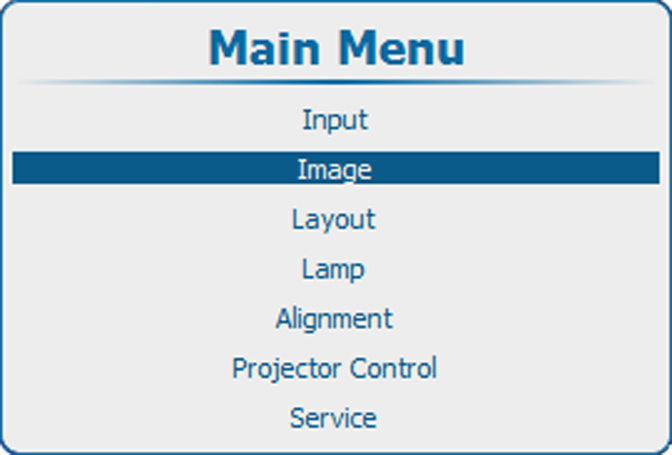
Image 10–76 Main menu, Image 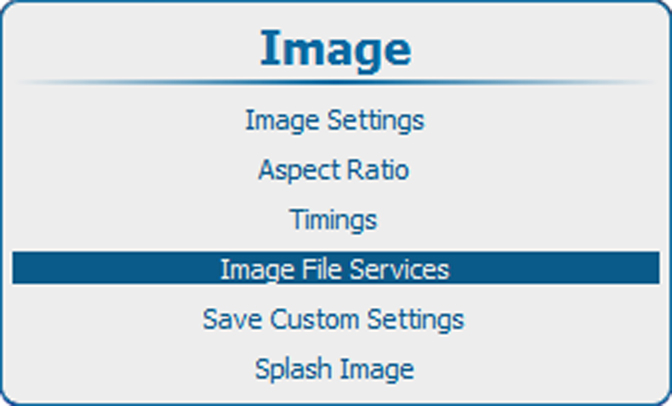
Image 10–77 Image, image file services 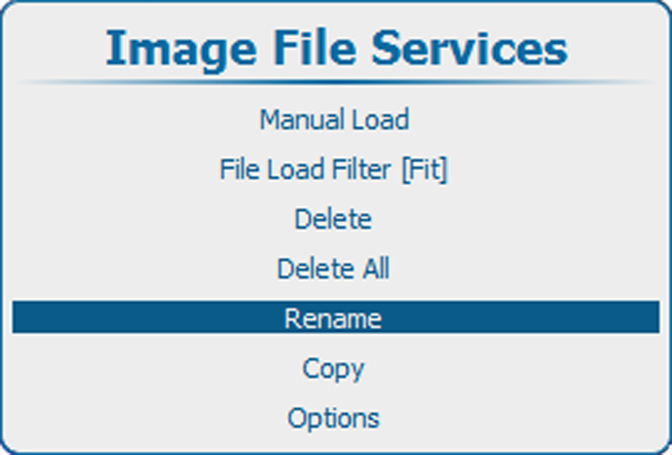
Image 10–78 Image file services, rename Press ENTER to select.
The available custom files are displayed.
If no custom files are available, a message that no custom files are available is displayed.
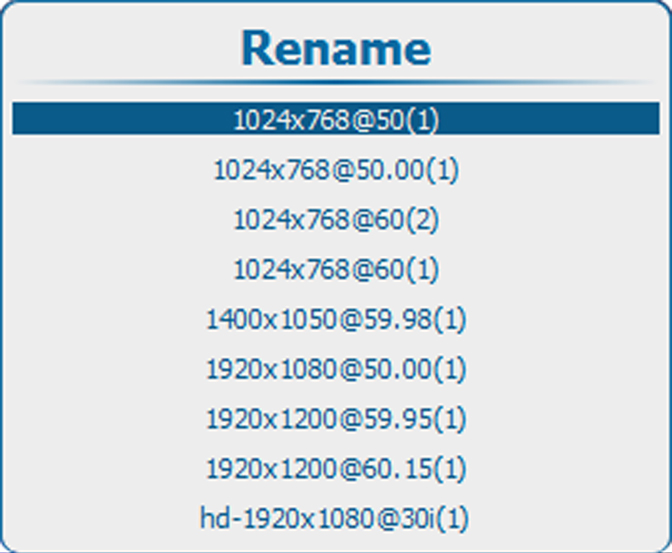
Image 10–79 Rename, list of files Use the ▲ or ▼ key to select the file to rename and press ENTER.
The rename window opens.
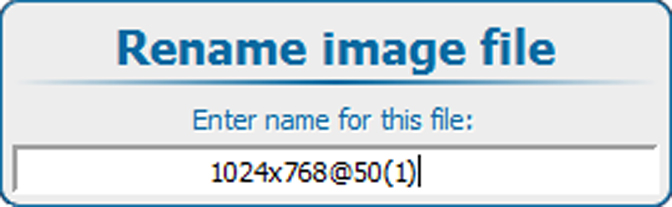
Image 10–80 Rename file Use the ▲ or ▼ key to change the selected character.
Use the ◄ or ► key to select another character.

- Press ENTER to finalize the rename action.