13.16 High End Systems Mirror

About the mirror

The digital mirror is DMX controlled. This control can be done via the projector or via Projector Toolset. External DMX control is still possible. Almost any image can be displayed on almost any place in the room using the pan and tilt adjustments. Settings storing per layout is possible.

Projector control activation
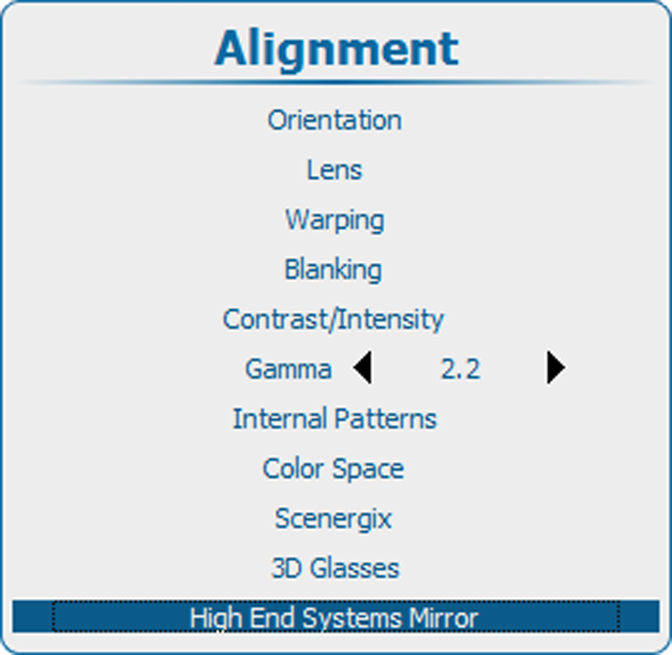
  1. Press Menu to activate the menus and select AlignmentHigh End Systems Mirror.

    Image 13–173 Main menu, alignment
    Image 13–174 Alignment, High End Systems Mirror
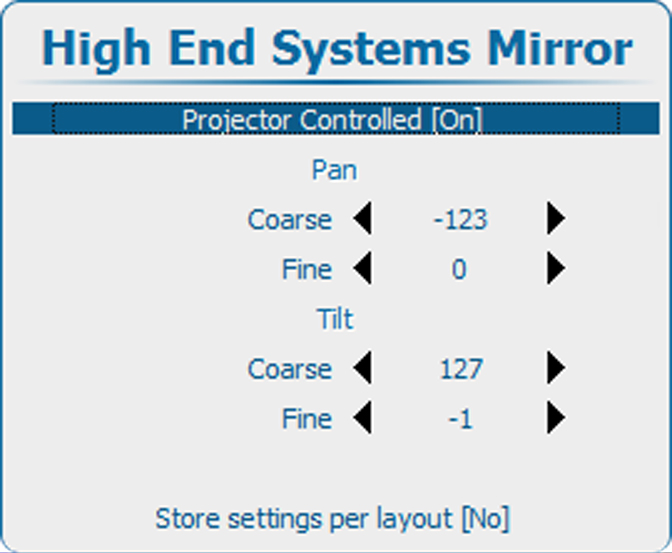
    Image 13–175 Projector Controlled
  2. Use the ▲ or ▼ key to select Projector Controlled and press ENTER to toggle between [On] and [Off].

    [On] : High End Systems Mirror is controlled via the projector.

    [Off] : High End Systems Mirror is not controlled via the projector.

Pan - Tilt adjustment
  1. Use the ▲ or ▼ key to select Coarse Pan or Coarse Tilt.

    Image 13–176 Projector Controlled
  2. Use the or key to change the value between -128 and 128.
  3. Use the ▲ or ▼ key to select Fine Pan or Fine Tilt.
  4. Use the or key to change the value between -128 and 128.
Store settings
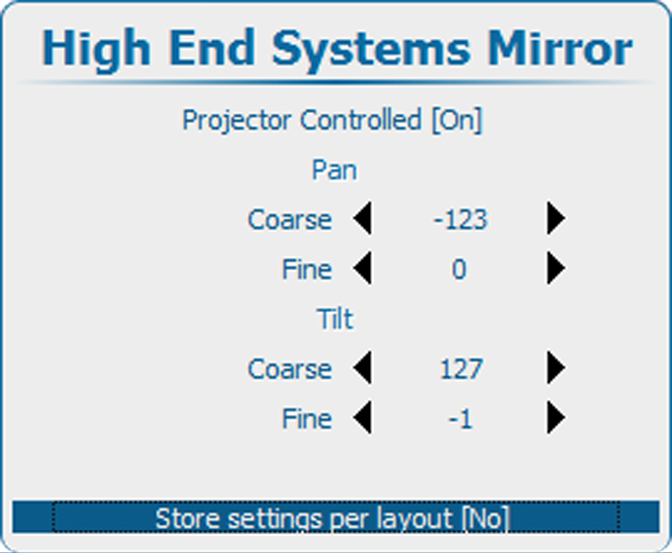
  1. To change the store settings, use the ▲ or ▼ key to select Store settings per layout and press ENTER to toggle between [No] and [Yes].

    Image 13–177 Store settings

    [No] : settings are stored globally.

    [Yes] : settings are stored per layout.