How to add
Press Menu to activate the menus and select → → .

Image 14–110 Main menu, projector control 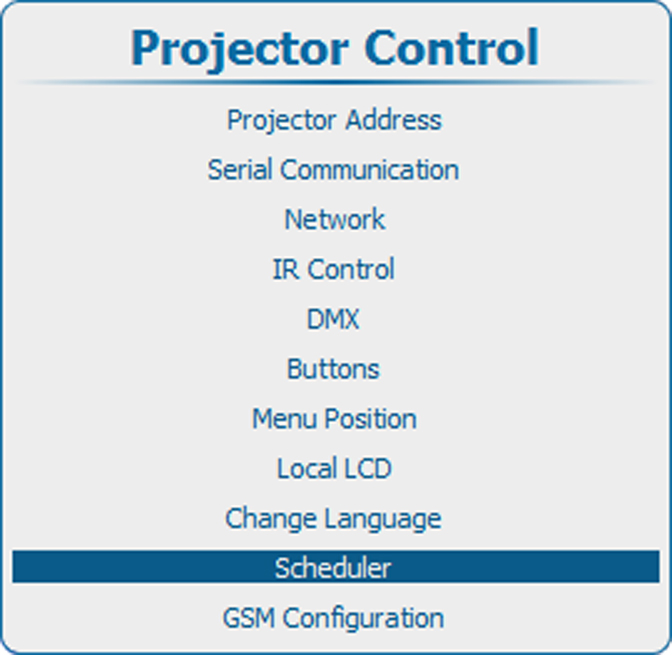
Image 14–111 Projector control, scheduler 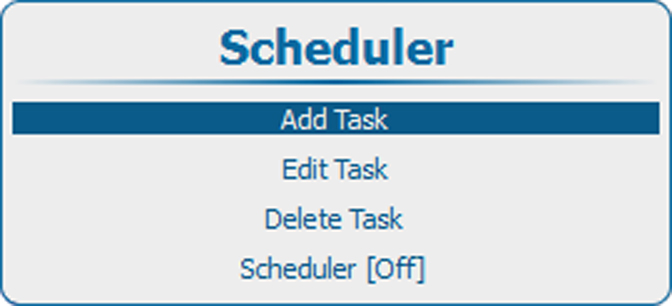
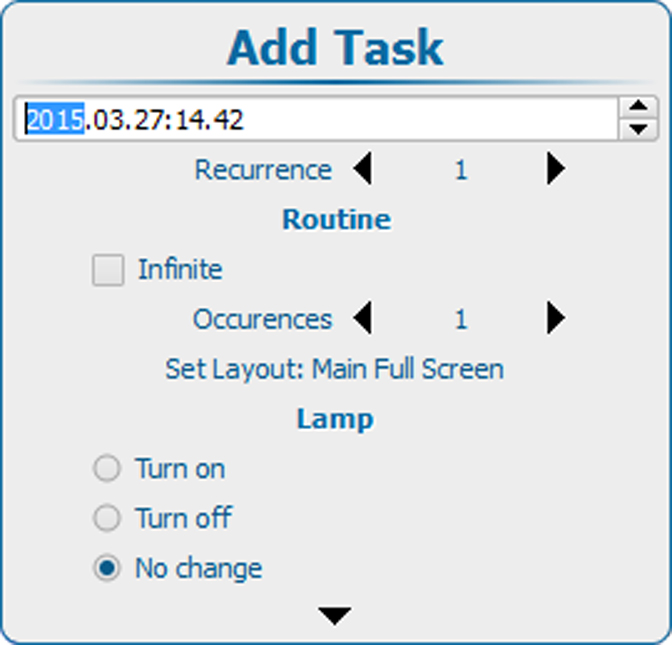
Image 14–112 Scheduler, add task Press ENTER to open the task creation window. The start date window is selected.
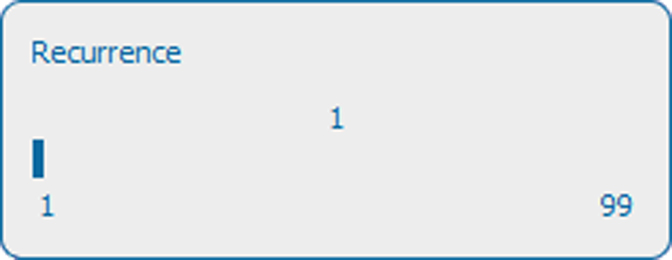
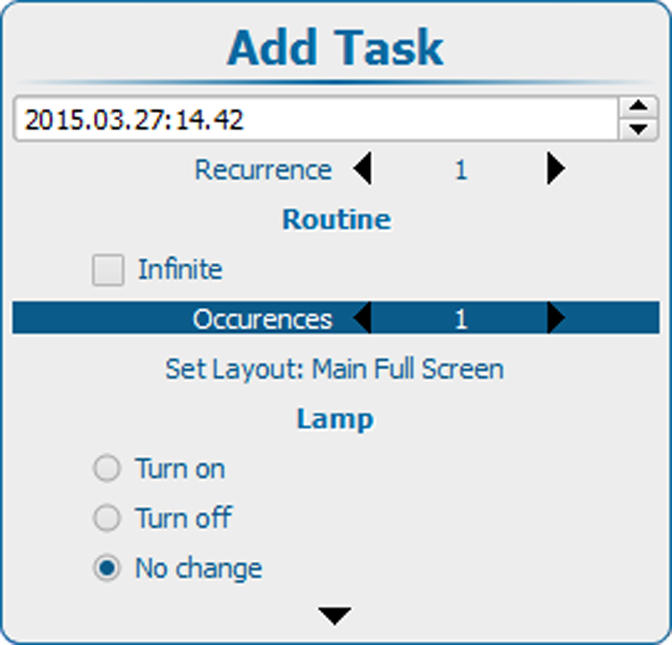
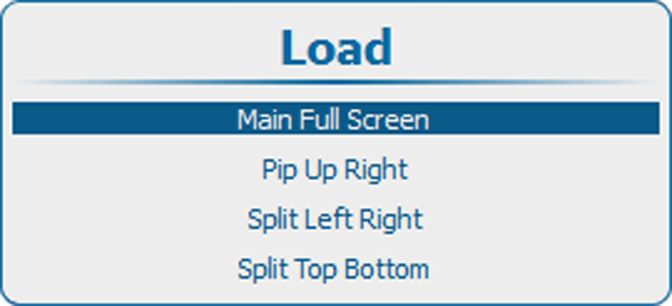
Use the ▲ or ▼ key to jump to the next item in the setup.
When all items are correctly filled out, select and press ENTER to create the task.
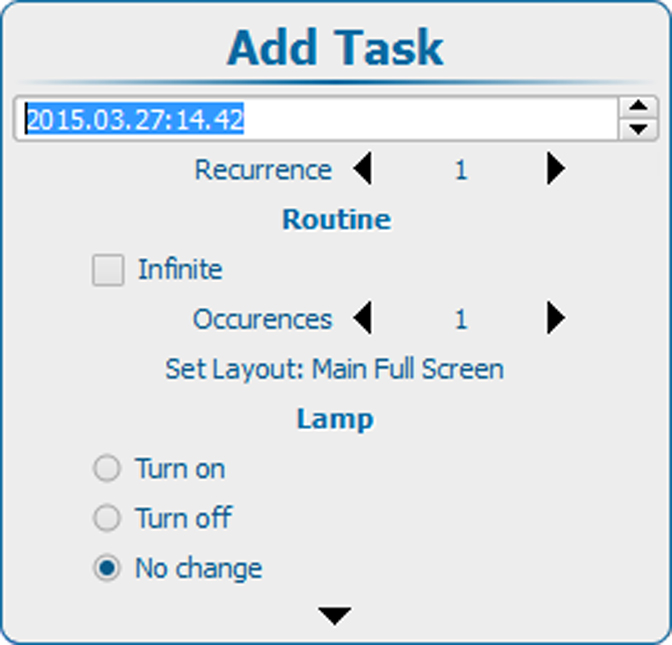
Image 14–113 Add task, setup