

How to calibrate
Press Menu to activate the menus and select → .

Image 13–18 Main menu, alignment 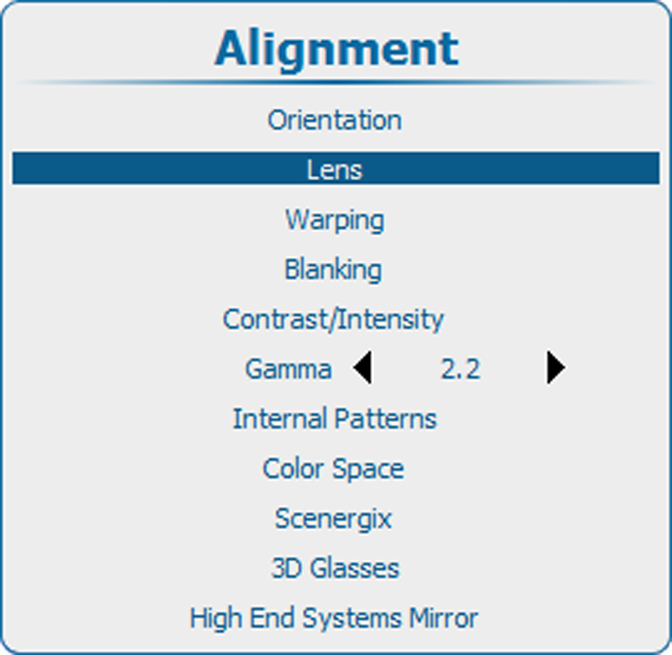
Image 13–19 Alignment, lens Use the ▲ or ▼ key to select and press ENTER to activate.
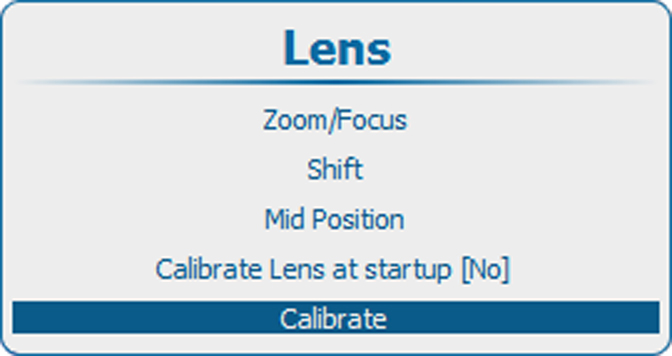
Image 13–20 Calibrate lens A Lens Calibration window opens. Select first the desired calibration options by checking the check box before the option and then select to start the calibration procedure.
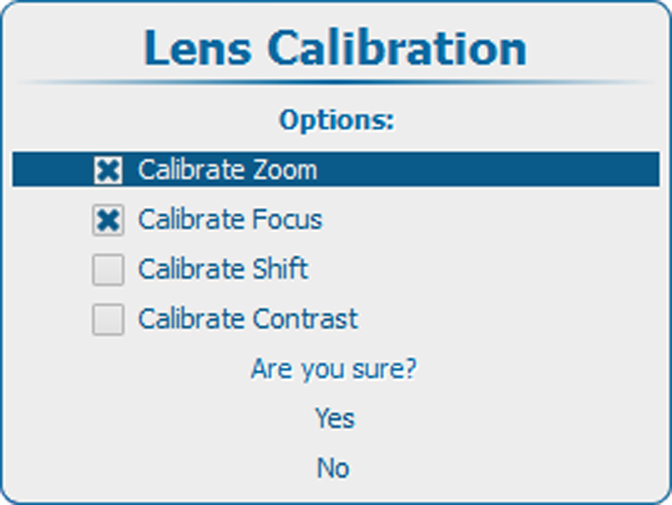
Image 13–21 Calibrate lens confirmation