
How to set up
Press Menu to activate the menus and select → .

Image 14–15 Main menu, projector control 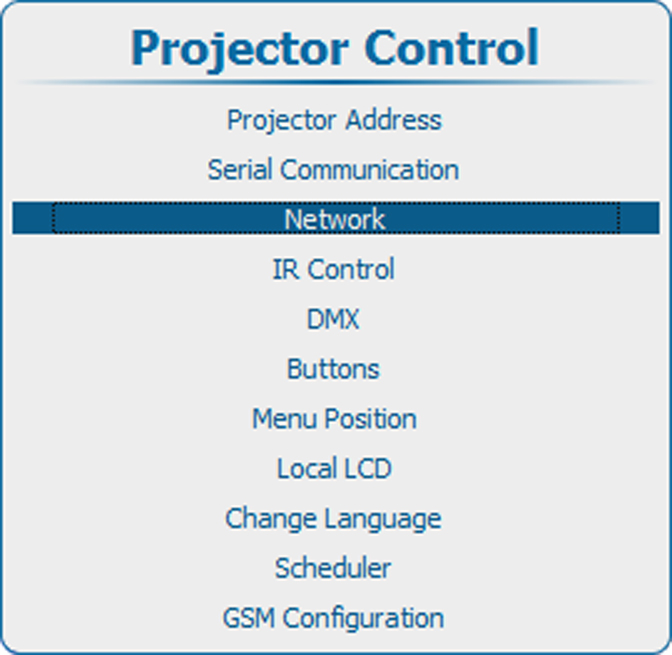
Image 14–16 Projector control, network 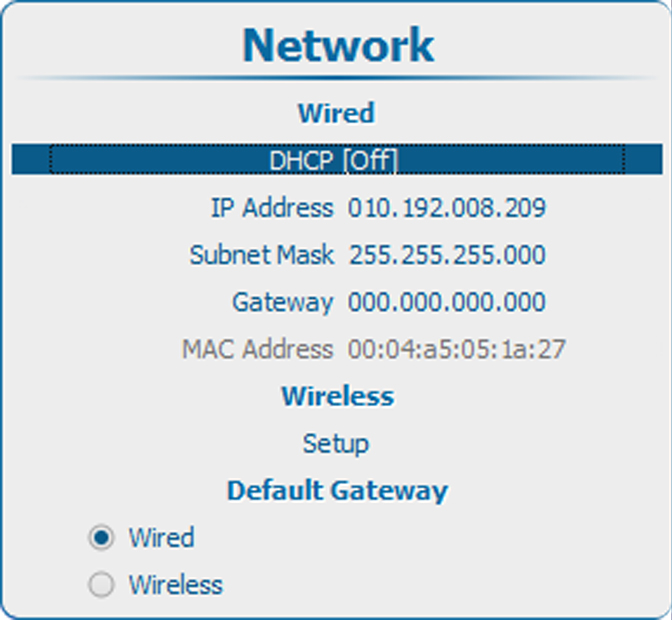
Image 14–17 Wired DHCP Use the ▲ or ▼ key to select under Wired and press ENTER to toggle between or .
[On] : DHCP is activated. An automatic IP address is assigned.
[Off] : DHCP is deactivated. A fixed address must be used.