What can be done?
This menu allows to set the 3D emitter output signal.
With we can swap the left and right 3D sync to eliminate a 3D output mismatch with the 3D emitters.
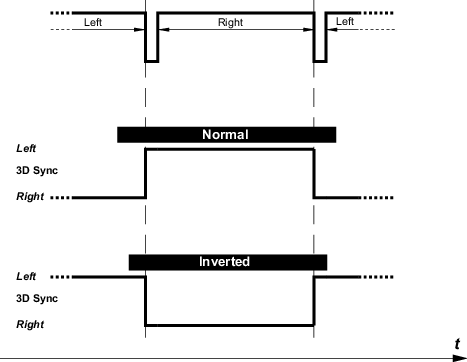

This menu allows to set the 3D emitter output signal.
With we can swap the left and right 3D sync to eliminate a 3D output mismatch with the 3D emitters.
Press Menu to activate the menus and select → → .
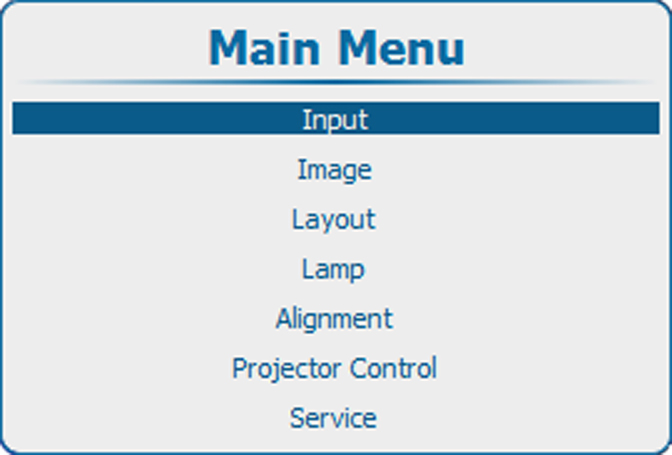
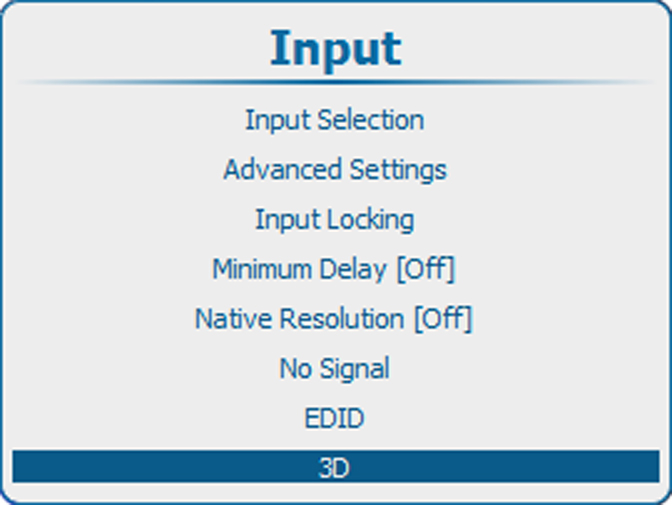
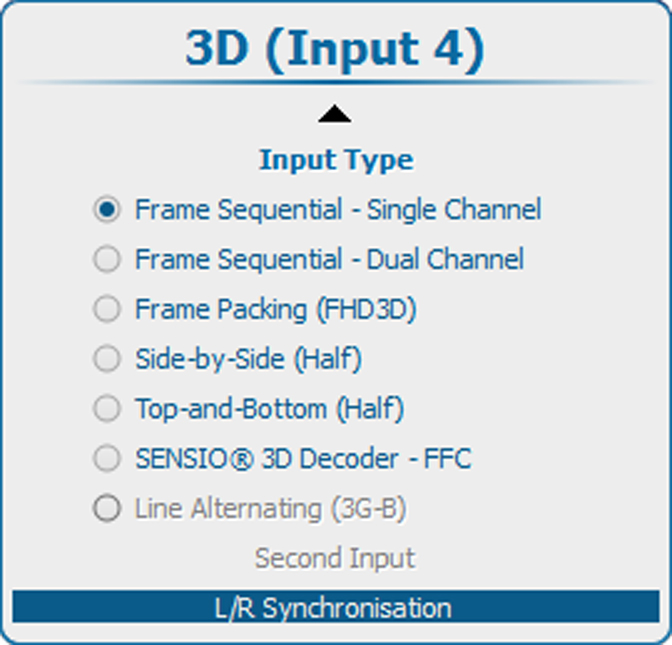
Use the ▲ or ▼ key to select .
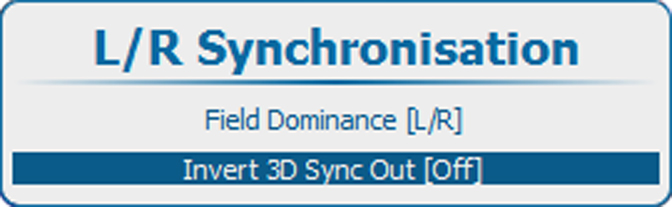
Press ENTER to toggle between and
[On] : 3D SYNC OUT is the inverted version of the 3D sync signal generated by the processing, allowing to swap left and right eye on the active glasses.
[Off] : 3D SYNC OUT is a copy from the 3D sync signal generated by the processing.