What can be done ?
The Warp functionality can be activated or deactivated.

The Warp functionality can be activated or deactivated.

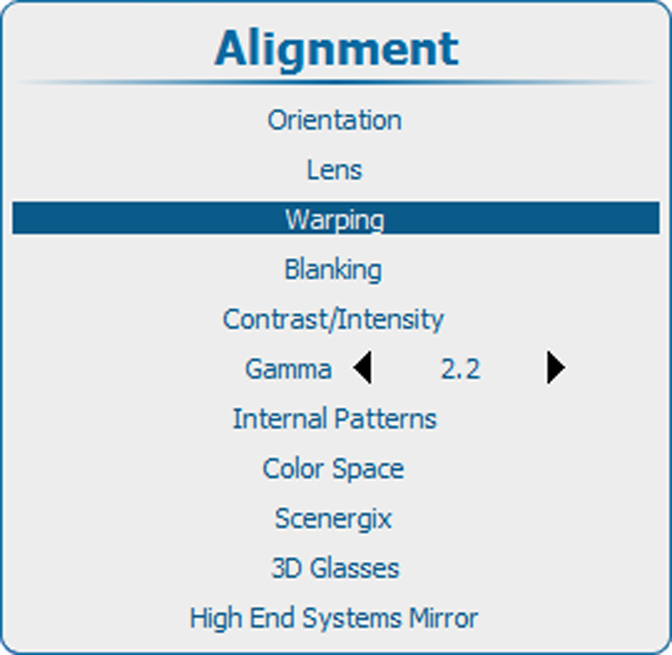
Press Menu to activate the menus and select → ing → ..

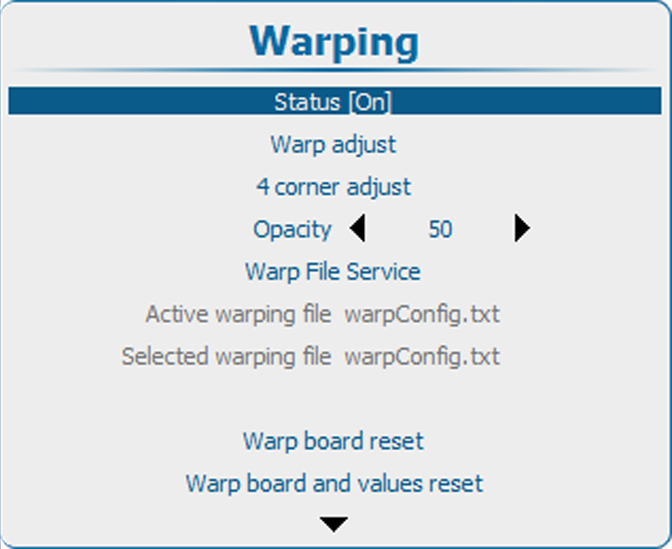
Press ENTER to toggle between [On] and [Off].
[On]: warp functionality is activated.
[Off]: warp functionality is disabled.