8.6 Shortcut keys to the menus

About a shortcut key

The digit keys 5 to 9 can be customer programmed to directly open a pre-stored menu. That menu can be any independent menu out of the list of menus. A menu which is built up by the content of a previous menu cannot be stored behind a shortcut.
How to use a shortcut key

While in the operational mode, no menu selected, just press on the desired digit key to open the menu behind that shortcut key.

How to create a shortcut key

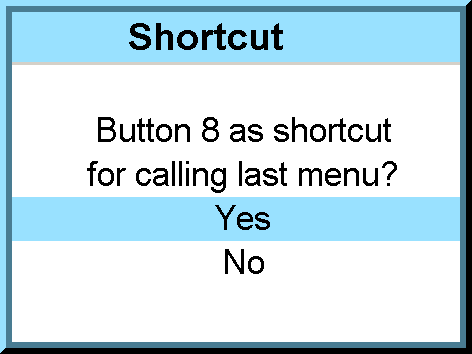
Scroll to the desired menu. Press the digit key behind which the menu must be stored for 5 seconds. When the creation is successfully, a confirmation message appears on the screen. E.g. :

Image 8–4

Select Yes to confirm the creation.

Note: To erase the shortcut, navigate to Projector ControlButtons.