What can be done ?
Each IR receiver inside the projector can be activated or deactivated. When an IR receiver is deactivated, no IR signal sent to this IR receiver will be processed.

Each IR receiver inside the projector can be activated or deactivated. When an IR receiver is deactivated, no IR signal sent to this IR receiver will be processed.
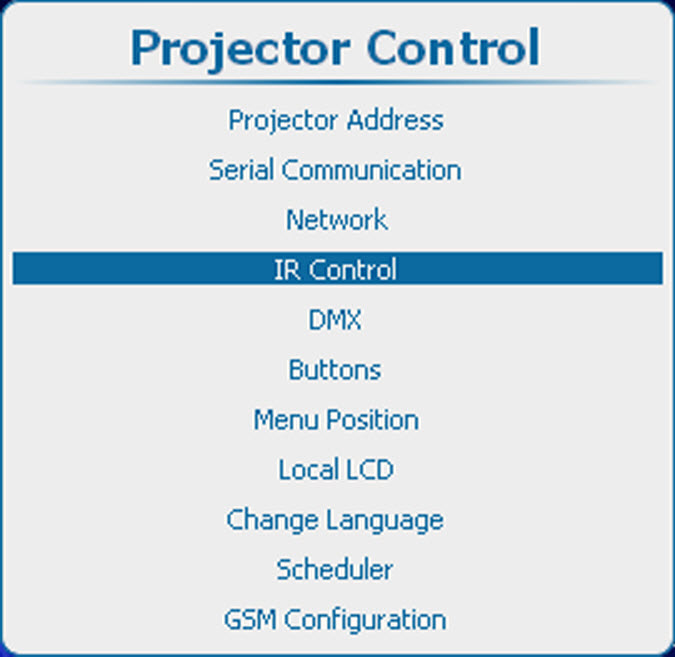
Press Menu to activate the menus and select → .

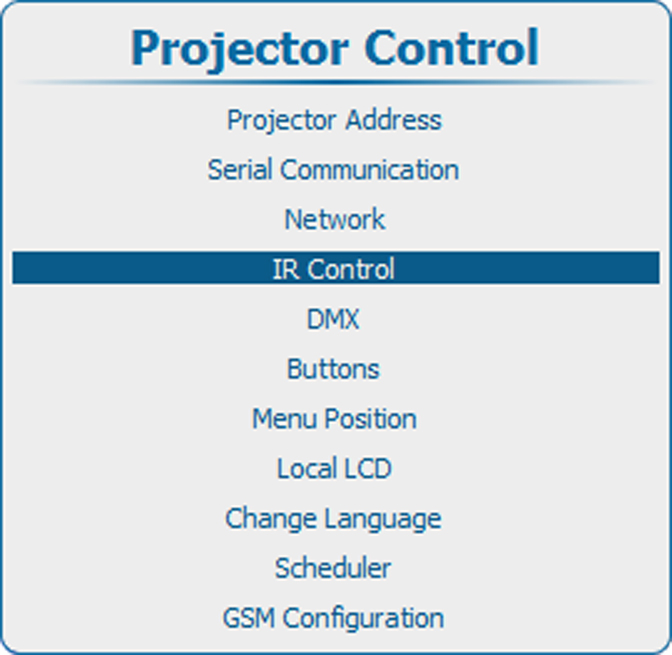
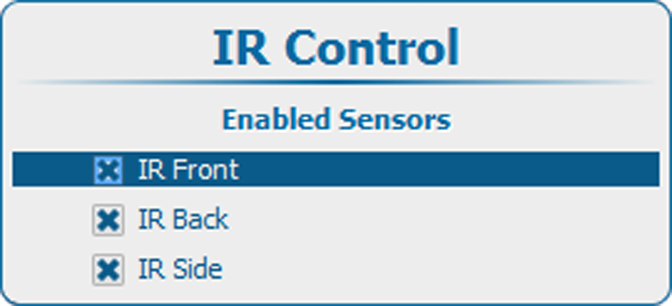
Use the ▲ or ▼ key to select the desired IR control and press ENTER to check checkbox.
Checked : IR receiver is enabled and can receive and process commands sent by the remote control.
Not checked : IR receiver is disabled and not receive any command.