11.6 Lens behavior

What can be done ?

Different custom layouts can have different zoom/focus/shift (lens) settings, e.g. when using the projector on 2 different projector distances or two different screen sizes (same image but 2 custom layouts needed due to different zoom/focus/shift settings).

Adjust the lens settings for the different situations and save these settings each in a different custom layout.

When using only one screen to project the different layouts, the same lens settings can be used for all custom layouts.

When using different screens, different lens settings can be used (settings saved in the custom file will be used). To use different lens settings, it is important that the lens is calibrated so that the lens always returns to the saved position when opening a custom layout.

Switching from a custom file (layout) to a standard file (layout) will not change the current lens settings.
How to set the lens behavior
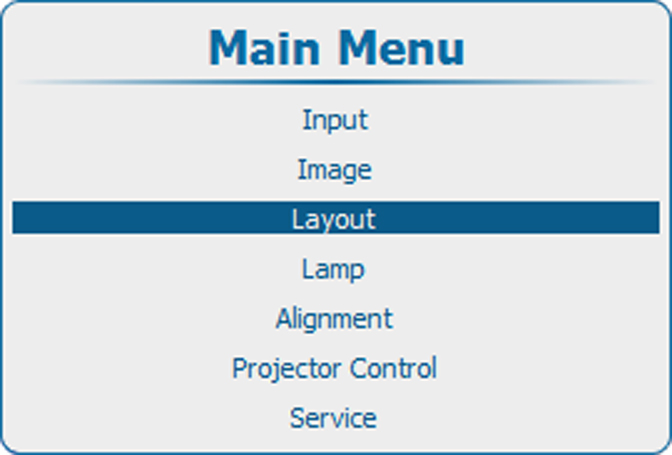
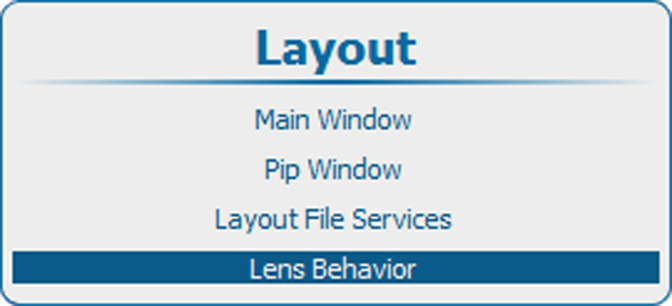
  1. Press Menu to activate the menus and select LayoutLens behavior.

    Image 11–59 Main menu, layout
    Image 11–60 Layout, Lens behavior
  2. Press ENTER to select.

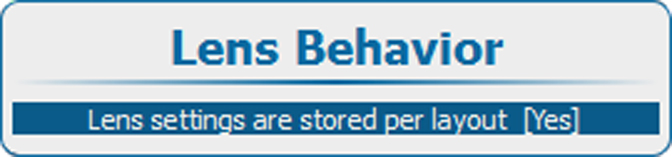
    The Lens behavior window opens.

    Image 11–61 Lens behavior setting
  3. Press ENTER to toggle lens behavior between [Yes] or [No].

    [Yes] = each layout will use the same zoom/focus/shift settings. The zoom/focus/shift settings of the previous selected layout will be applied to the next selected layouts.

    [No] = each layout will use its own zoom/focus/shift settings. Lens should be calibrated, when using this setting.

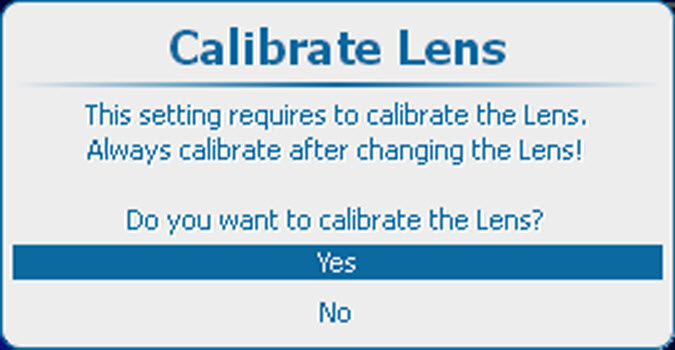
  4. If [No] is selected, the calibrate lens menu opens.

    Image 11–62 Lens calibration

    Before different zoom/focus/shift setting can be used, the lens should be calibrated. When a lens change has taken place, always calibrate the lens before using this setting.

  5. If you have to calibrate the lens, select Yes and press ENTER to start the calibration.

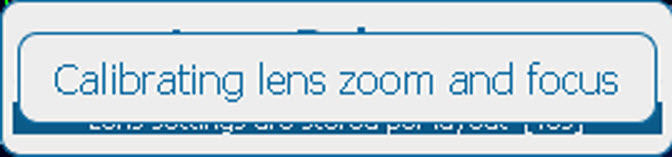
    During the calibration, a message is displayed. This message disappears when the calibration is finished.

    Image 11–63 Lens calibration message