
How to return to mid position
Press Menu to activate the menus and select → .

Image 13–12 Main menu, alignment 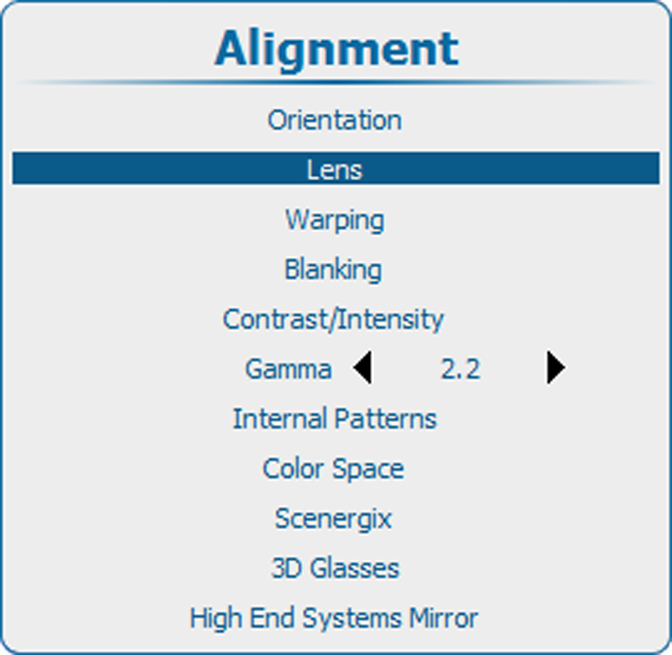
Image 13–13 Alignment, lens Use the ▲ or ▼ key to select and press ENTER to activate.
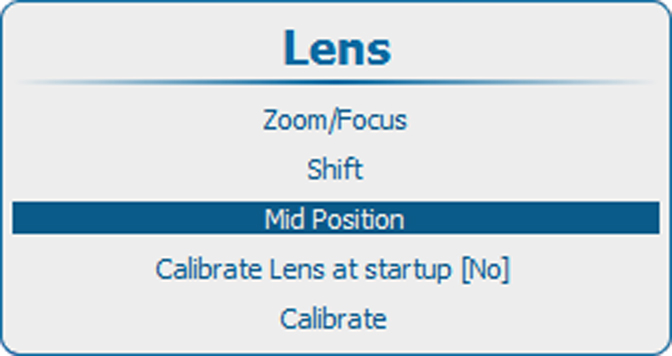
Image 13–14 Lens, mid position Lens will be shifted horizontally and vertically to its mid position.