

How to delete
- Press Menu to activate the menus and select → → .
Press ENTER to open the confirmation window.
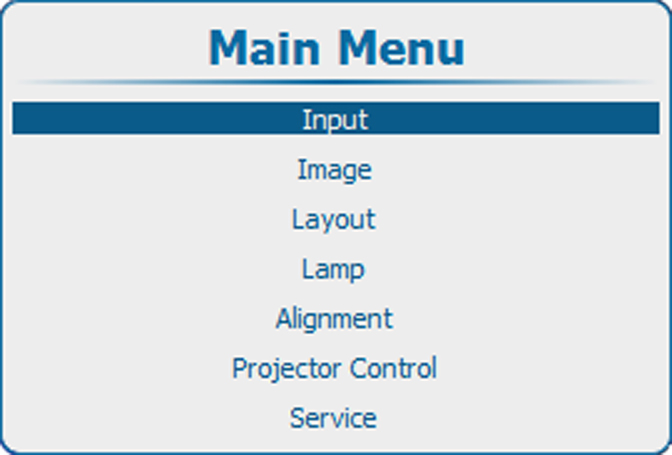
Image 9–54 Main menu 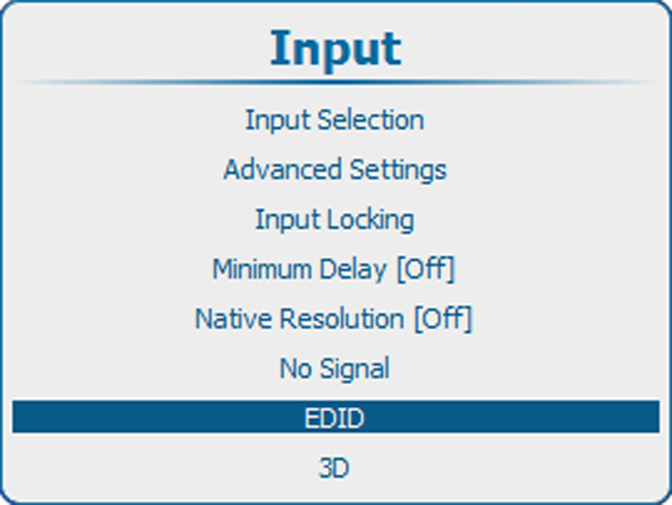
Image 9–55 Input, EDID 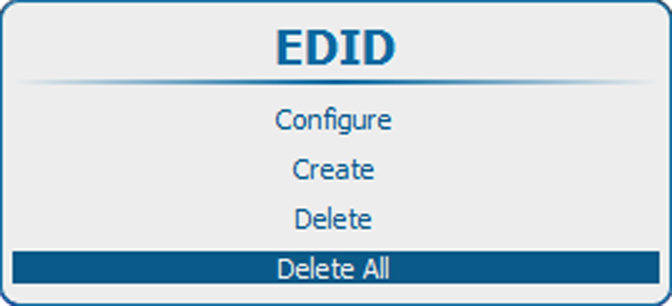
Image 9–56 Delete All 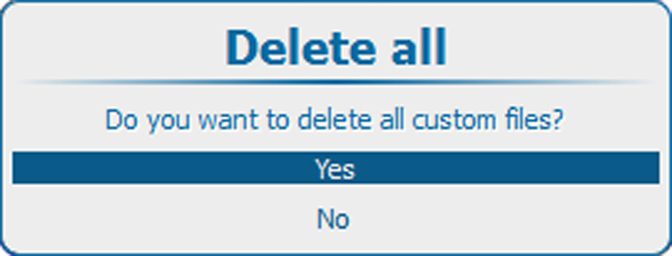
Image 9–57 Delete All, Confirm - Select to delete all the custom file and press ENTER.