
How to set up
Press Menu to activate the menus and select → → .
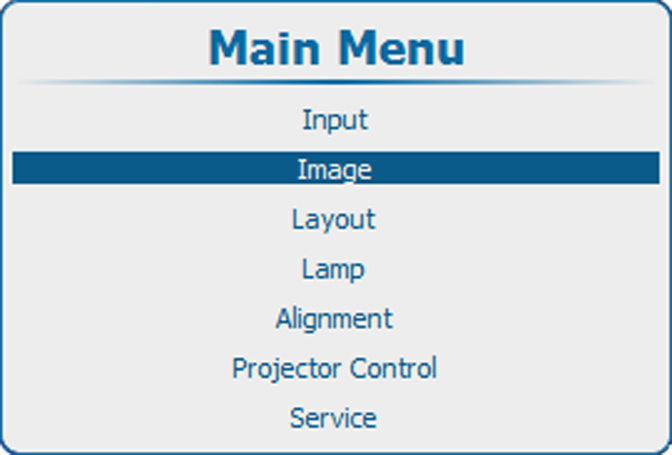
Image 10–25 Main menu, Image 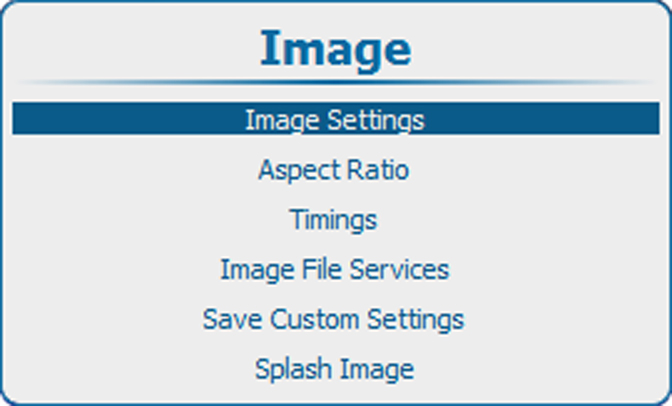
Image 10–26 Image adjustments 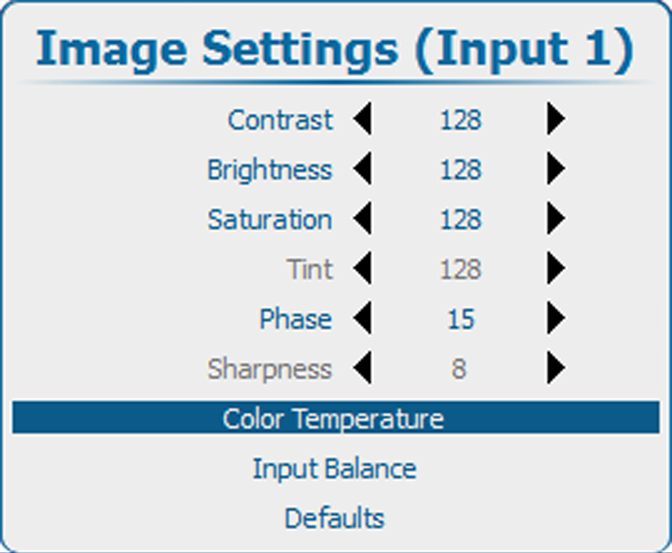
Image 10–27 Image settings, color temperature - Press ENTER to select.
Use the ▲ or ▼ key to select . Press ENTER to accept.
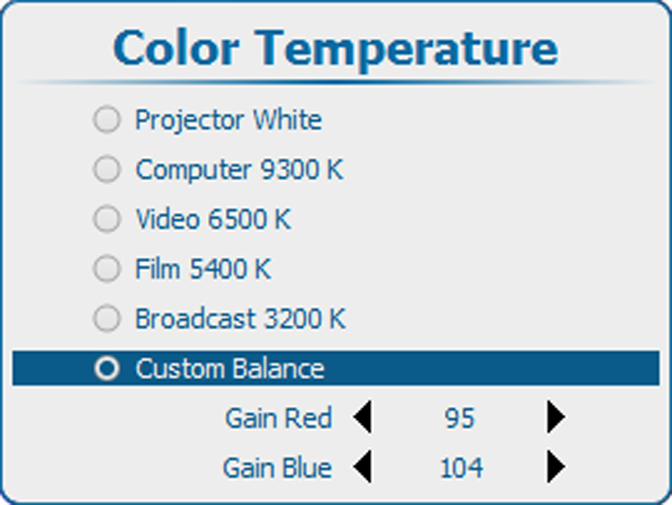
Image 10–28 Image settings, color temperature Select Gain Red and press ENTER. Use the ◄ or ► key to adjust the red gain.
Select Gain Blue and press ENTER. Adjust the blue gain in the same way as the red gain using the ◄ or ► key.
- When finished, press EXIT to return.