What can be done?
The main window can be repositioned on the screen. The upper left corner is the reference.
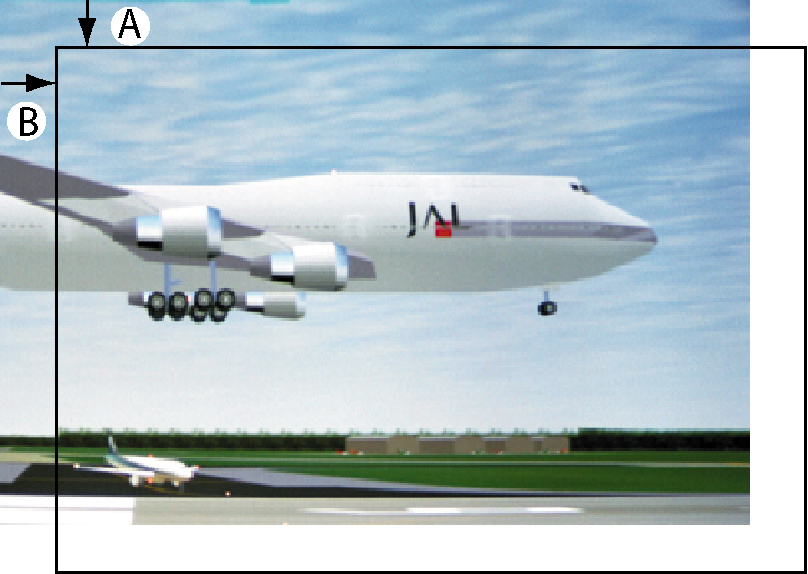

The main window can be repositioned on the screen. The upper left corner is the reference.
Press Menu to activate the menus and select → → .
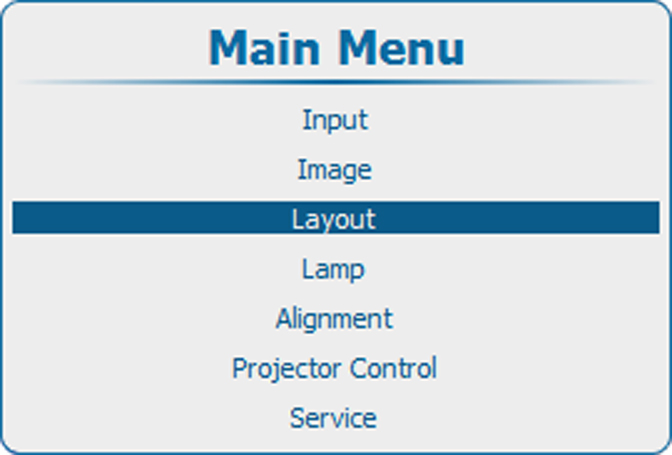
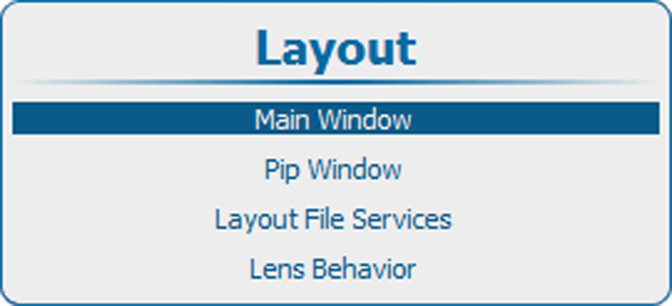
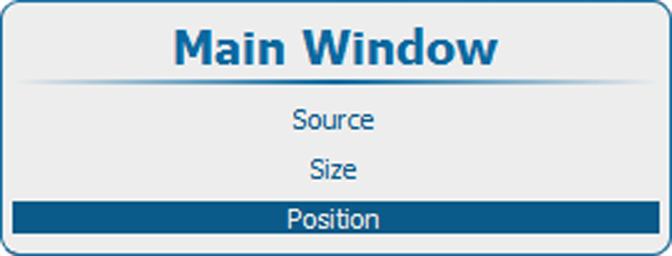
Press ENTER to select.
The window opens.
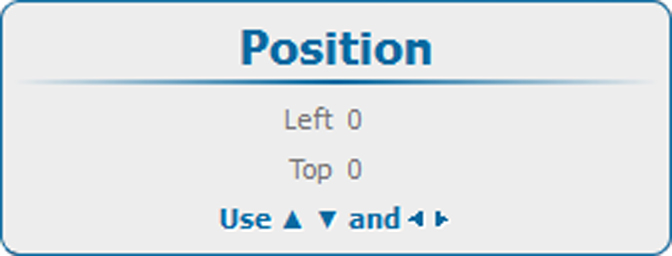
When desired position is reached, press EXIT.
A window opens.
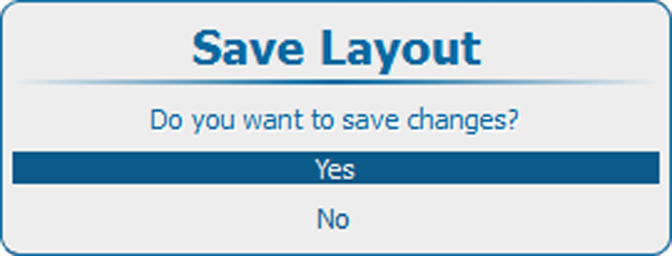
Use the ▲ or ▼ key to select and press ENTER to save.
Select if you want to quit without saving the current position.