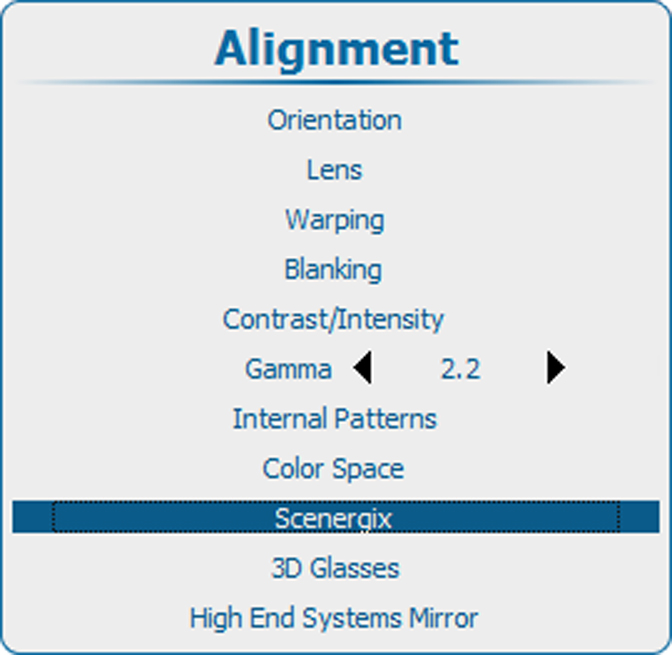
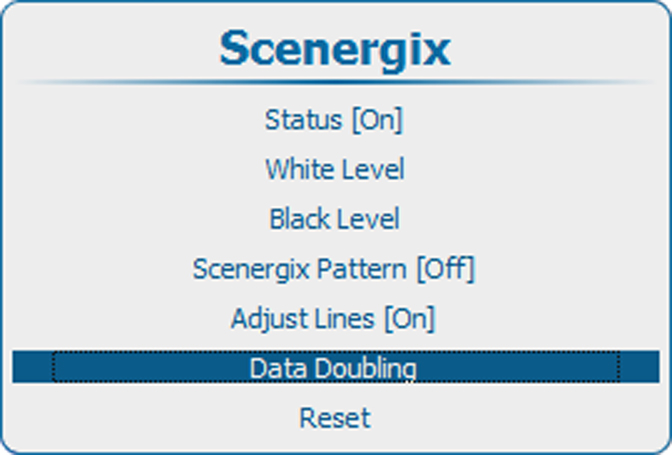
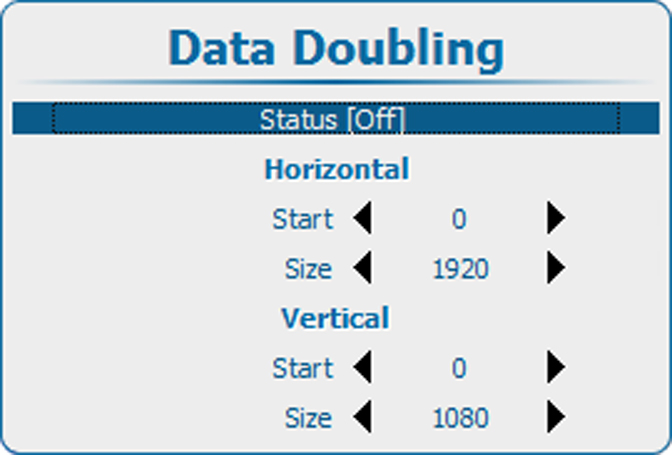
About data doubling
When a source (A) must be displayed via 2 projectors as one image (B), the vertical and horizontal start position and the size must be determined so that each projector displays a part of the image. The overlap area can be adjusted with the Scenergix tools.
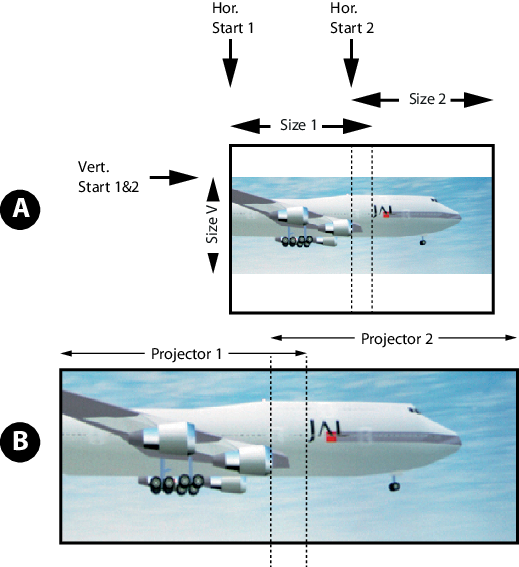
- A
- Source
- B
- Projected image
Activate data doubling on both projectors and setup the vertical and horizontal start for projector 1 and projector 2.