15.3.6 Tilt sensor

What is possible?

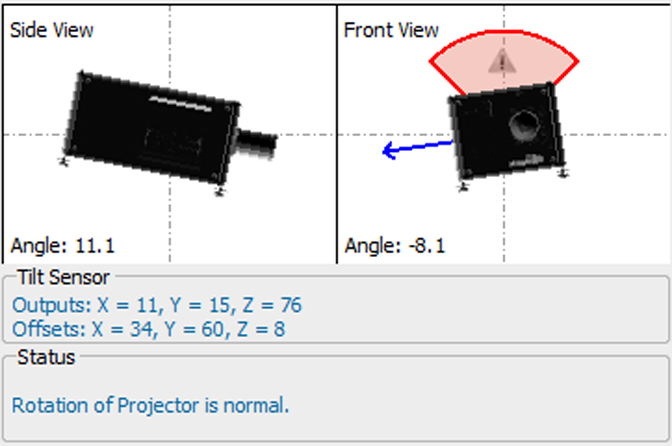
The built-in tilt sensor can be read out to see if the projector is used in an allowed position. The status field indicates whether the rotation of the projector is normal or abnormal.

Using a projector with an abnormal rotation can severely damage the lamp.
How to check the tilt sensor
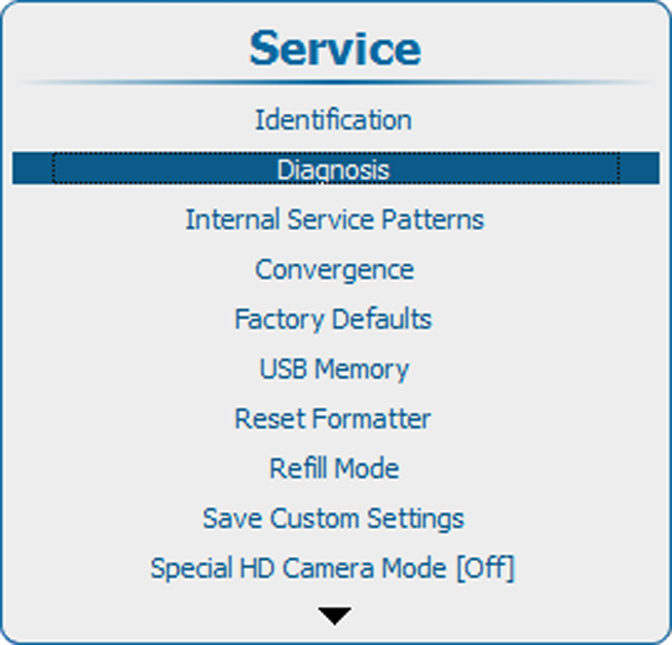
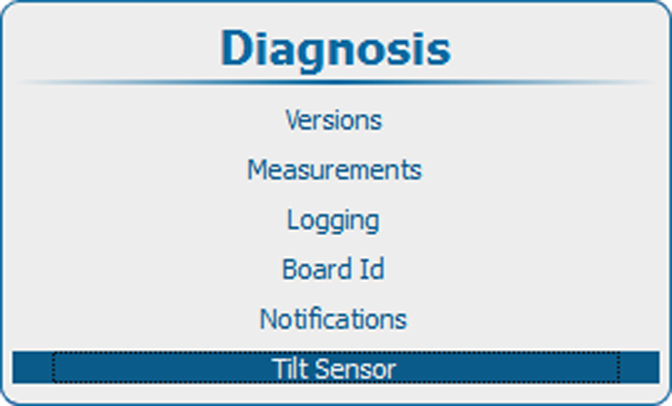
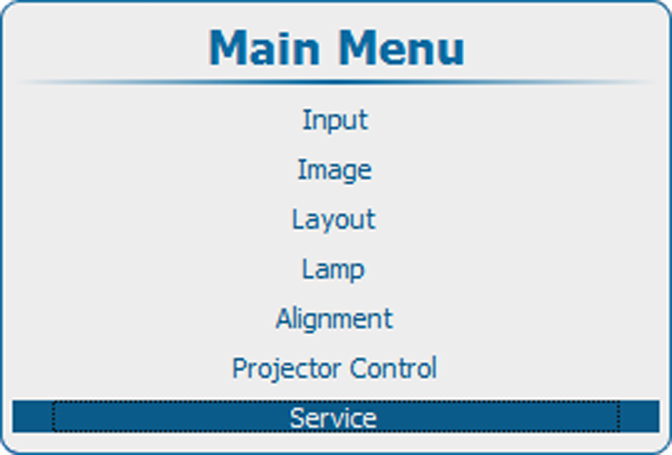
  1. Press Menu to activate the menus and select ServiceDiagnosisTilt sensor.

    Image 15–30 Main menu, service
    Image 15–31 Service, diagnosis
    Image 15–32 Diagnosis, tilt sensor
  2. Press ENTER to read out the tilt sensor.

    Image 15–33 Tilt sensor output

    The rotation of the projector is visually displayed. Coordinates of the tilt sensor and the offset from the normal position are given in the tilt sensor pane.

    The status pane indicates if the projector is used with an allowed rotation.