What can be done?
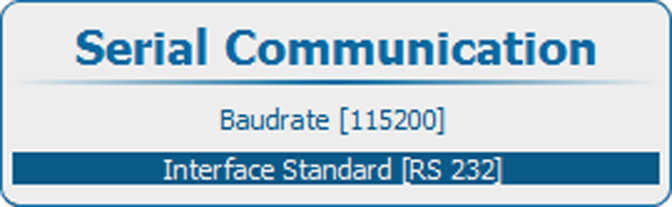
The communication protocol for the communication between the projector and a computer can be set to RS232 or RS422.

The communication protocol for the communication between the projector and a computer can be set to RS232 or RS422.
Press Menu to activate the menus and select → .

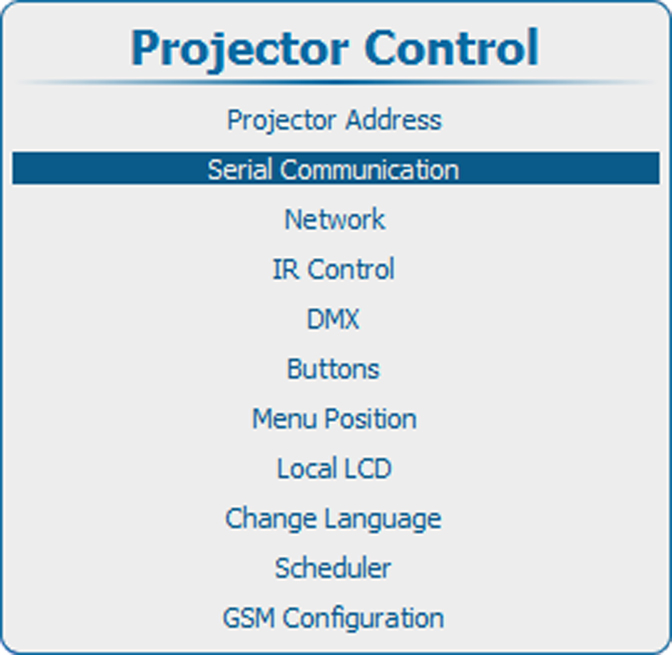
Use the ▲ or ▼ key to select .
Press ENTER to toggle between or .