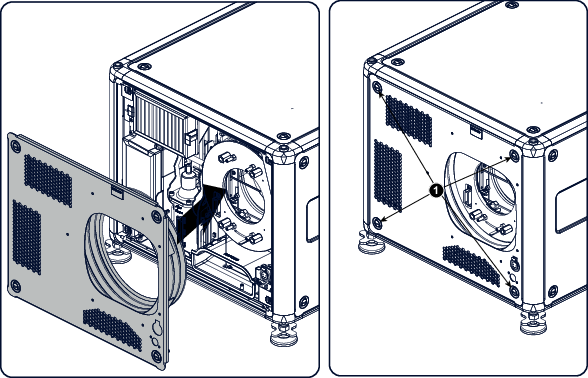
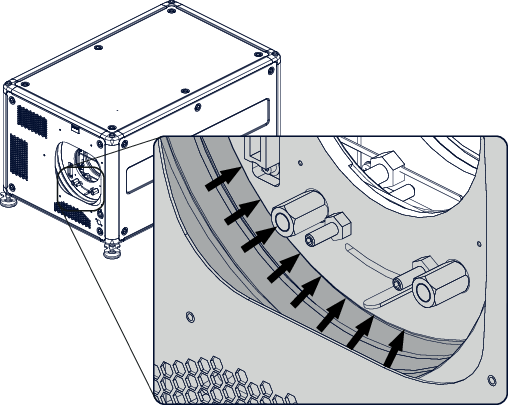
How to mountPlace the front cover with the rubber dust facing the projector on its place.Image 17–8 Mount front coverSecure the 4 captive screws (1).Reinstall the rubber dust ring around the lens holder.Image 17–9 Mount dust ringMount lens again.