What can be done?
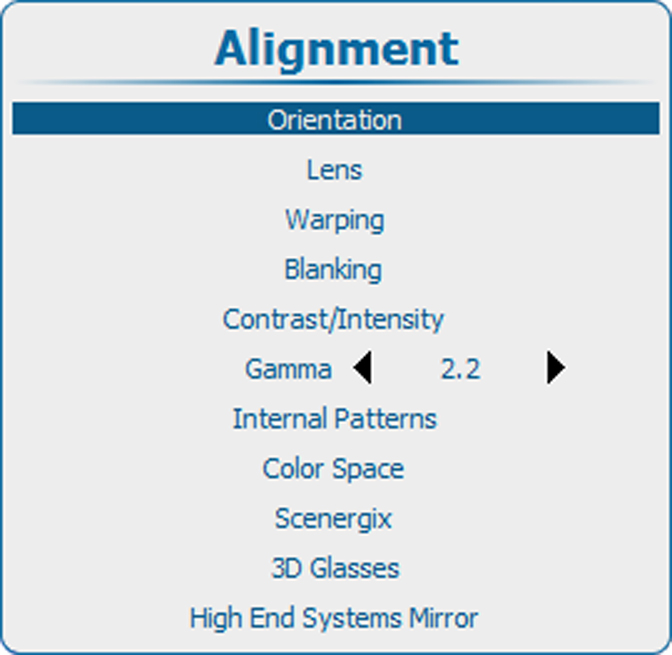
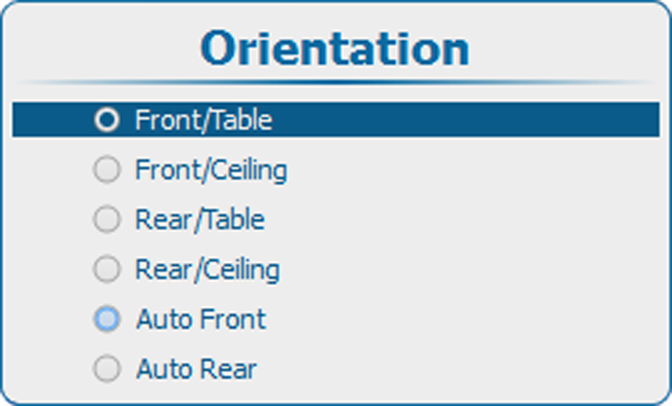
The way of physical installation of the projector can be defined to the projector.
The following installation are possible:
- front/table
- front/ceiling
- rear/table
- rear/ceiling
- auto front : automatic front, projector detects itself if it is ceiling or table mounted and projects always a readable image.
- auto rear : automatic rear, projector detects itself if it is ceiling or table mounted and projects always a readable image.