What can be done?
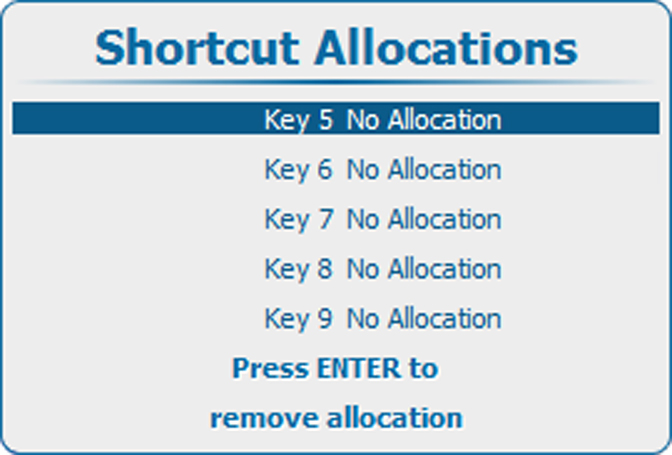
An overview of the shortcut allocations with the corresponding menu is given. Those printed in bold are allocated.
The allocated shortcut keys can be cleared within this menu.

An overview of the shortcut allocations with the corresponding menu is given. Those printed in bold are allocated.
The allocated shortcut keys can be cleared within this menu.
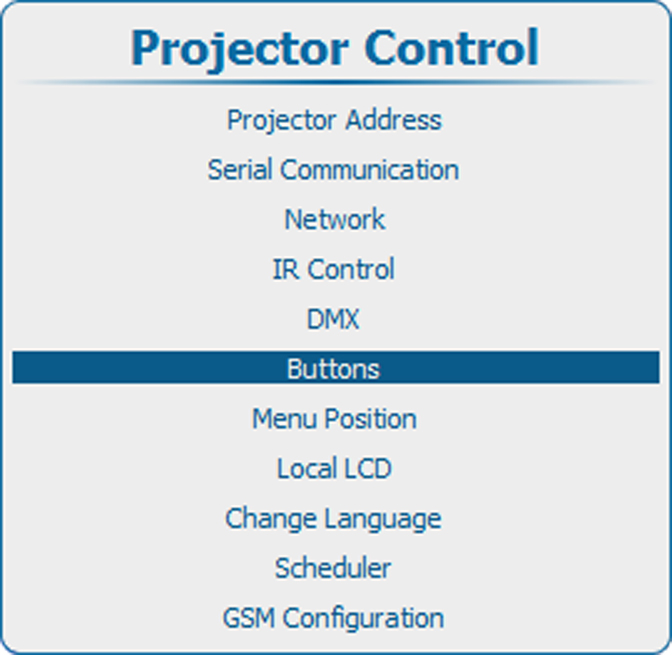
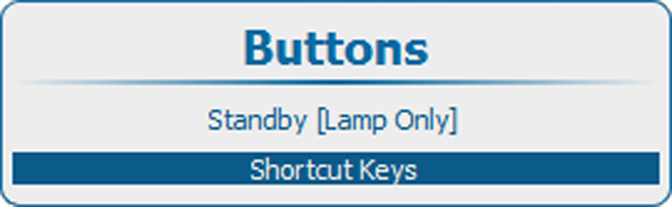
Press Menu to activate the menus and select → → .