What can be done ?
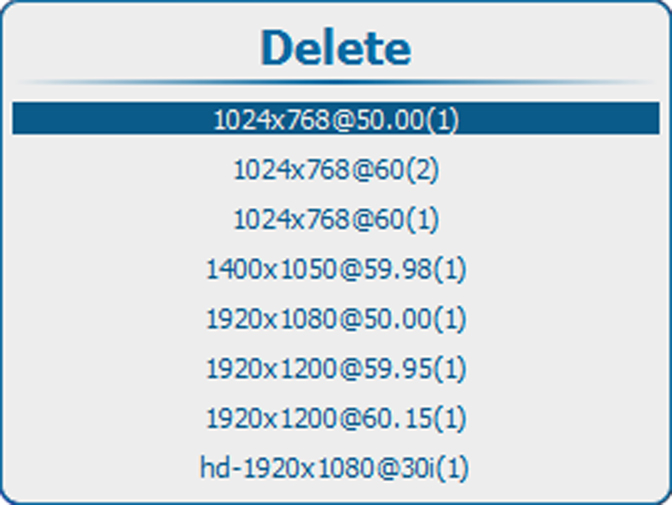
A custom image file can be deleted. Be aware that an active file can’t be deleted.

A custom image file can be deleted. Be aware that an active file can’t be deleted.
Press Menu to activate the menus and select → → .
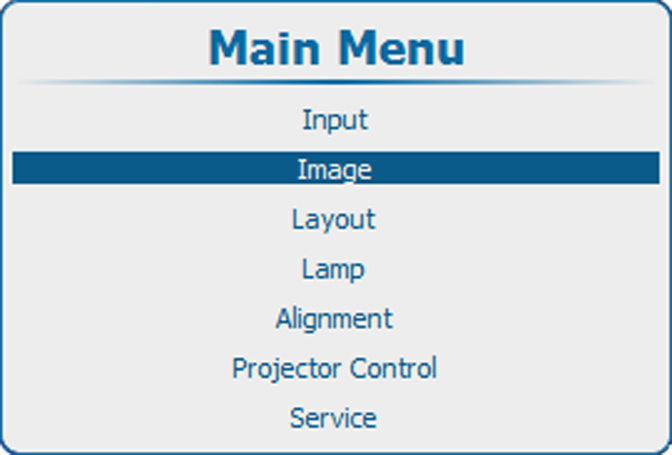
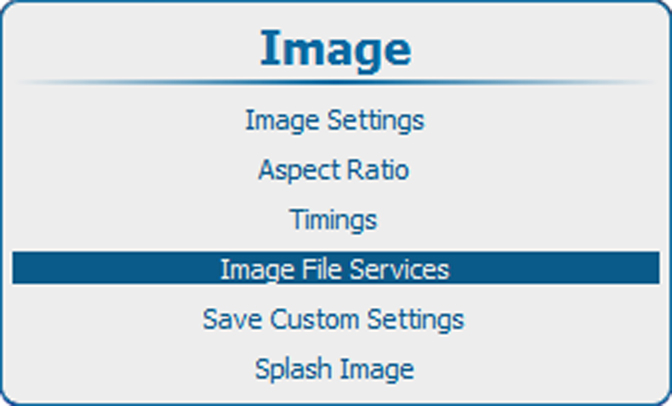
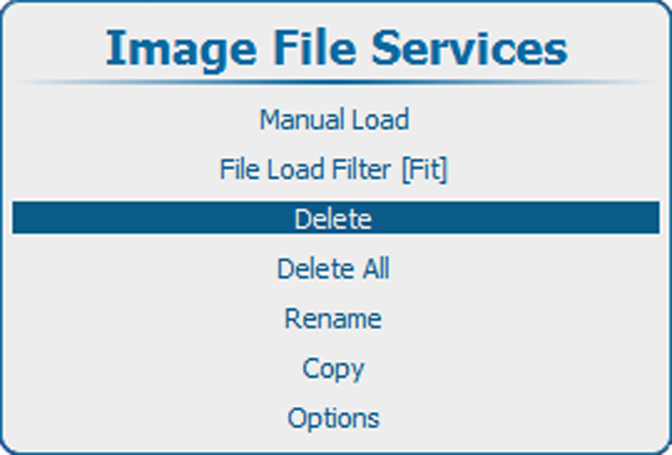
Press ENTER to select.
The available custom files are displayed.
If no custom files are available, a message that no custom files are available is displayed.
Use the ▲ or ▼ key to select the file to delete.