What can be done ?
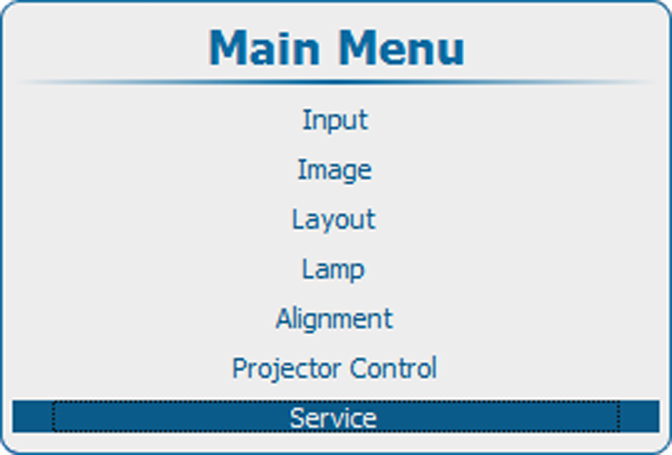
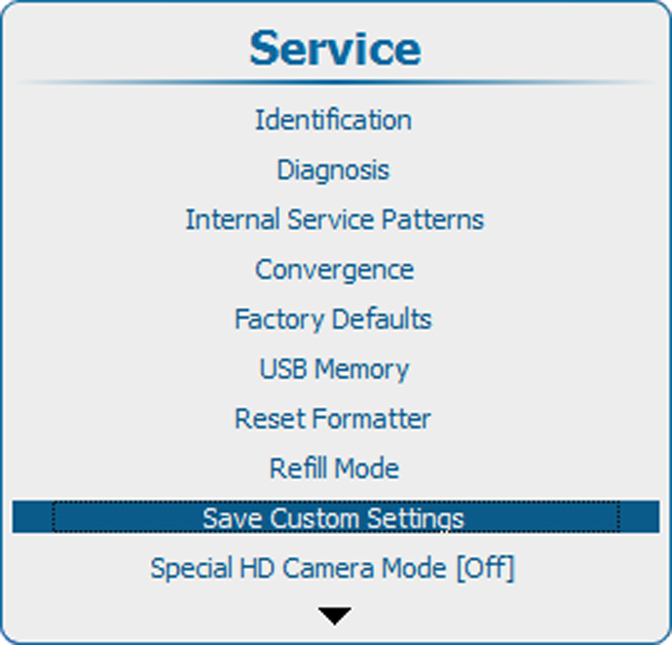
The current custom settings can be saved to internal backup device in the same way as it would be done when the projector lamp was switched off.
When settings are changed when the lamp is off, a manual Save custom settings must be executed to save the changes.
When the message is displayed, never switch off the projector.