How to start up
Press Menu to activate the menus and select → ing → ..
The menu opens.
The content of this warp adjust menu depends on the selection. When no warp was done before, the menu starts as a sort of wizard by opening only the warp area pane. It opens more and more panes depending on the selection. When manual warping was done before the menu opens with the same layout as it was last used.
A warp grid and adjustment points is displayed on the screen. The maximum grid is 32 points by 32 points.

Image 13–27 Main menu, alignment 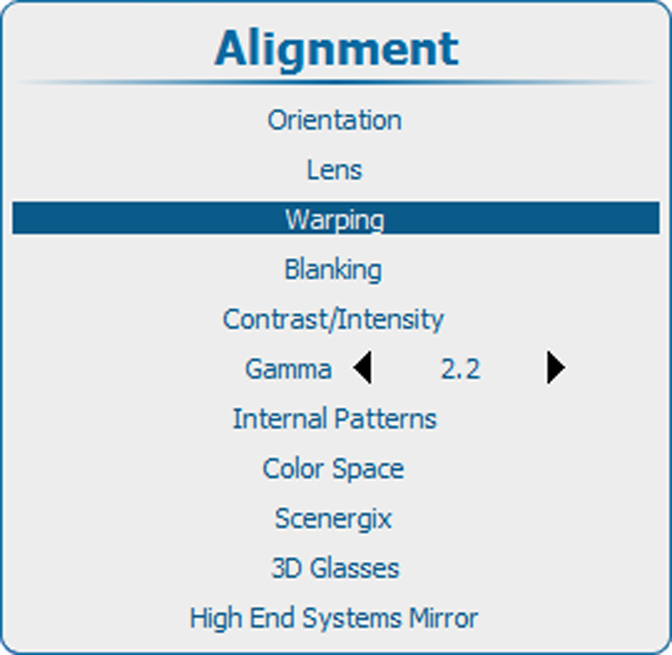
Image 13–28 Alignment, Warping 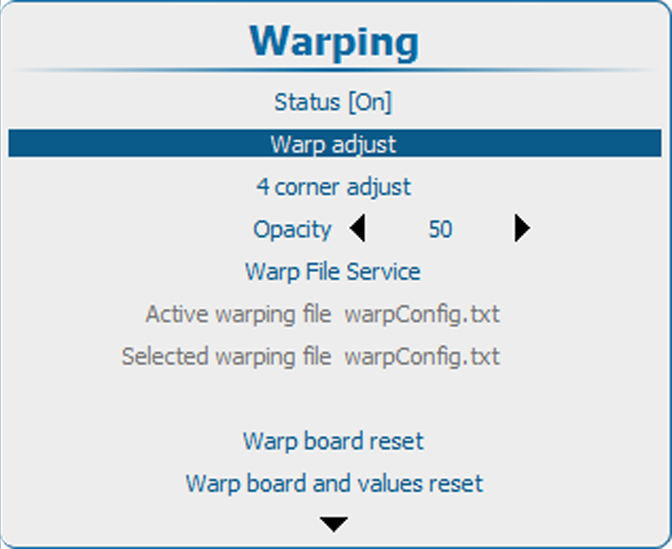
Image 13–29 Warping, Warp adjust 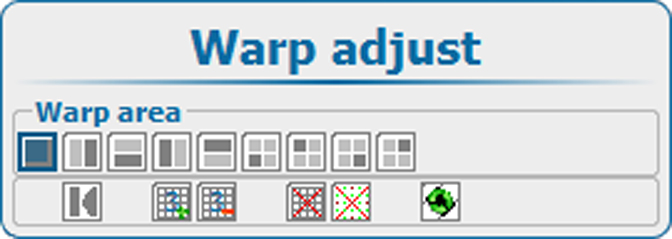
Image 13–30 Warp area