10.3.4 Phase

About Phase adjustment

When displaying computer patterns or graphics (RGB or YUV signals) which are very detailed (tilting, vertical stripes, etc. ), jitter in picture (mis-sampling) may occur, causing horizontal stripes in portions of the screen. When this jitter occurs, adjust 'Phase' for optimum image.
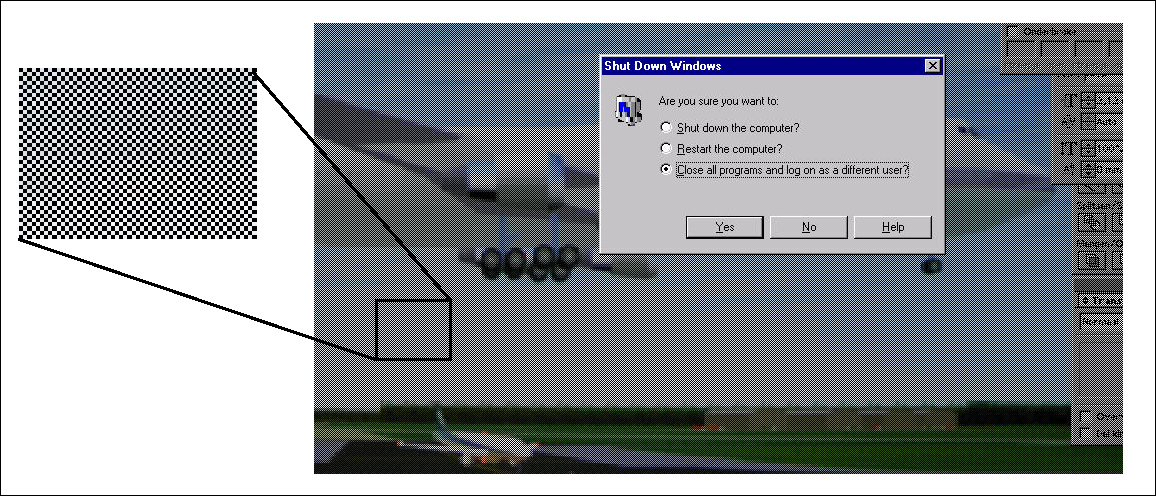
Image 10–15 Jittering on image

Phase adjustment can be done with the Phase key on the RCU or via the menu structure.
How to adjust
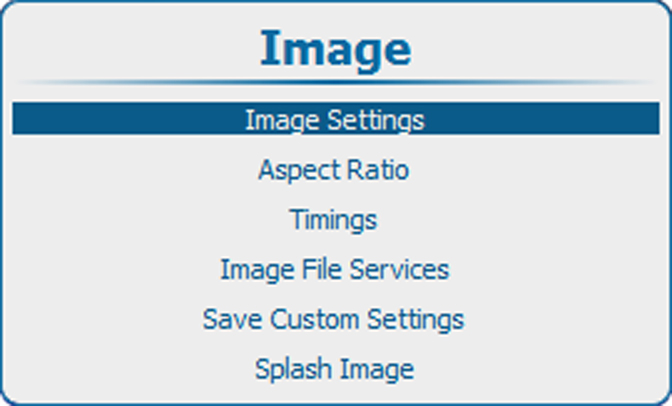
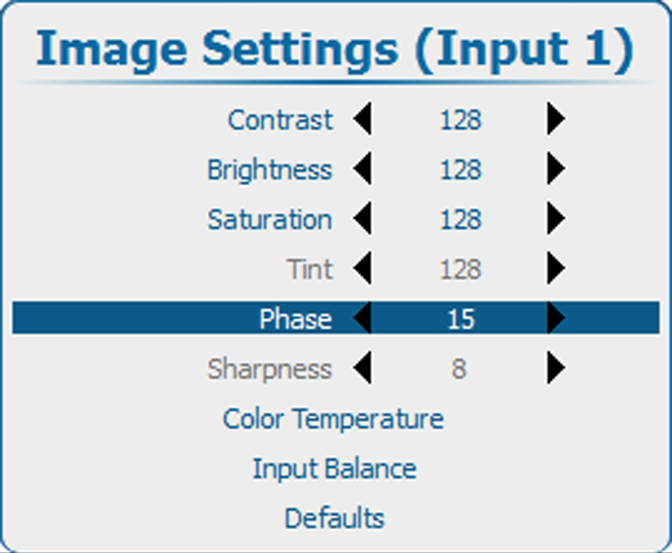
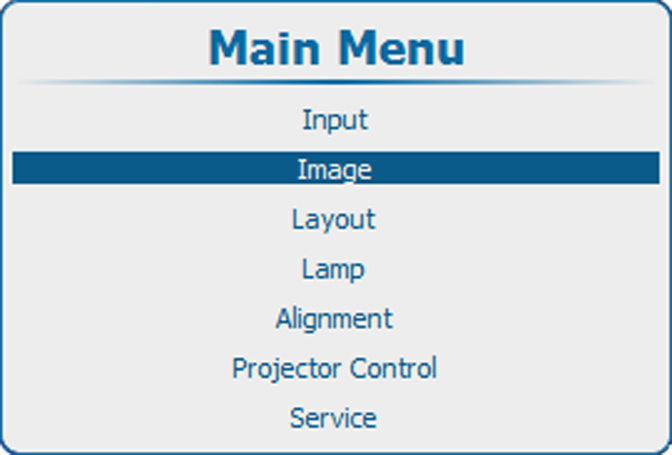
  1. Press Menu to activate the menus and select ImageImage SettingsPhase.

    Image 10–16 Main menu, Image
    Image 10–17 Image adjustments
    Image 10–18 Image settings, phase
  2. Press ENTER to select.

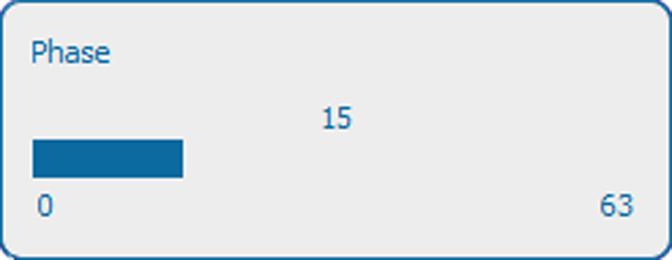
    Image 10–19 Phase adjustment
  3. To change the value directly in the Image Settings window, use the or key or a numeric key 0-9, to adjust as a % of the full range.

    To adjust via the bar scale menu, press ENTER to display the Phase menu and adjust with the or key. Press ENTER again to enter the value directly with the numeric keys. Press EXIT to return to Image Settings menu.