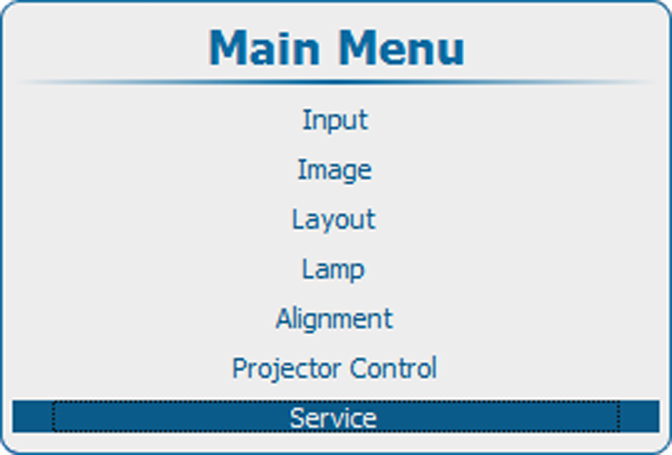
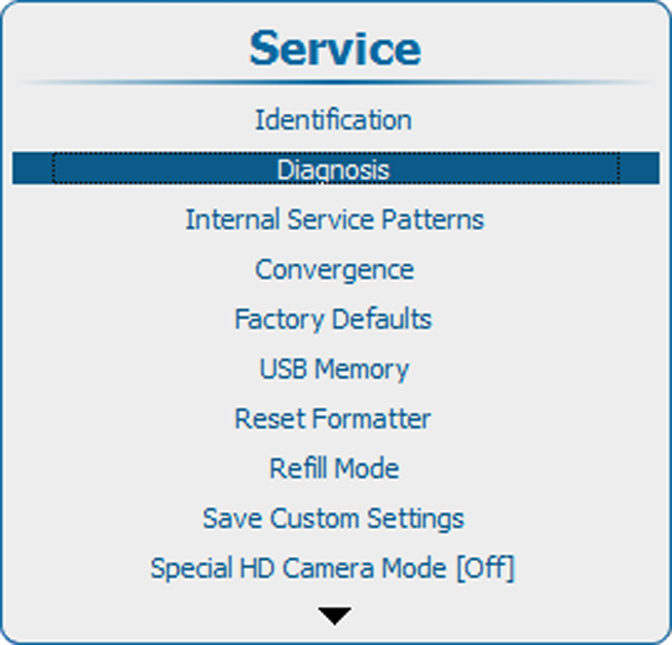
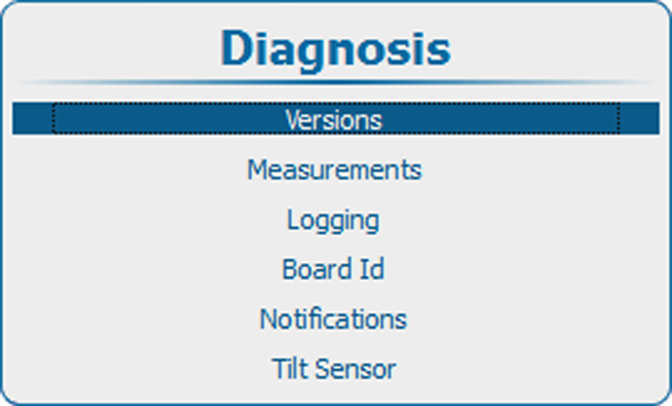
About versions
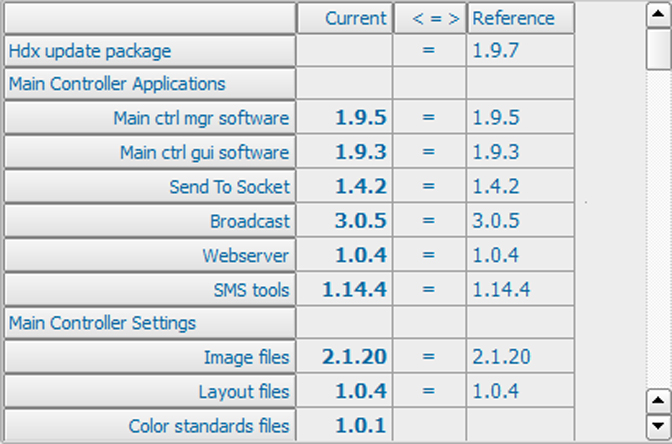
The table gives an overview between the reference software and the current installed software.
The reference software is the latest correctly installed package.
The current is the updated software (upgrade of downgrade).
Once the complete current is updated with new software, then this current becomes the new reference.
= means that the current software is equal to the latest reference.
> the current has a higher version than the reference software.
< the current has a lower version than the reference software.