What can be done ?
The status of the 3D function can be enabled or disabled.
This function is input dependent.

The status of the 3D function can be enabled or disabled.
This function is input dependent.
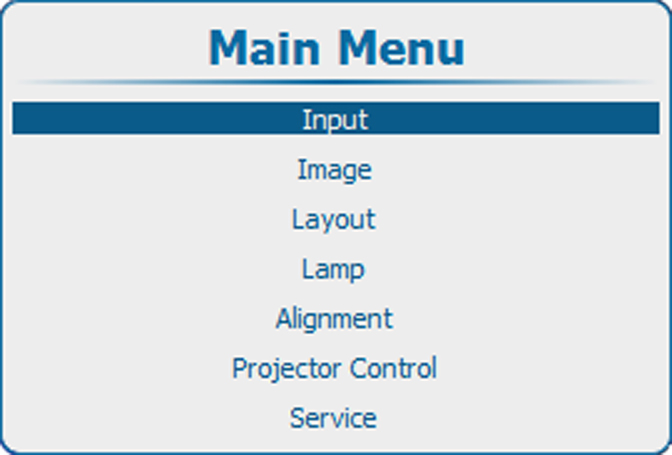
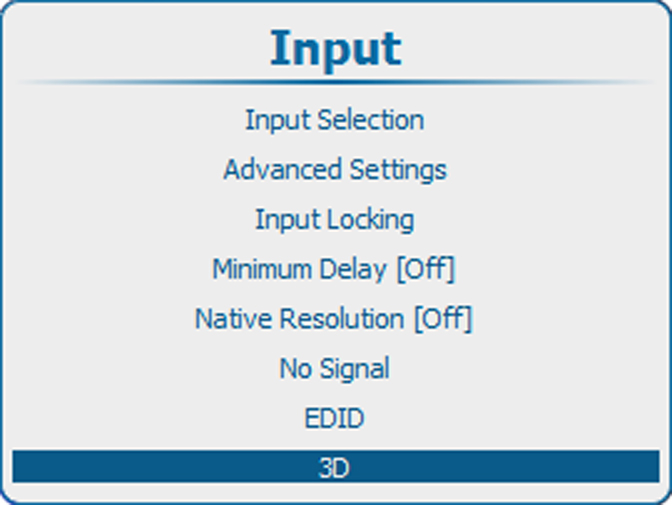
Press Menu to activate the menus and select → → .
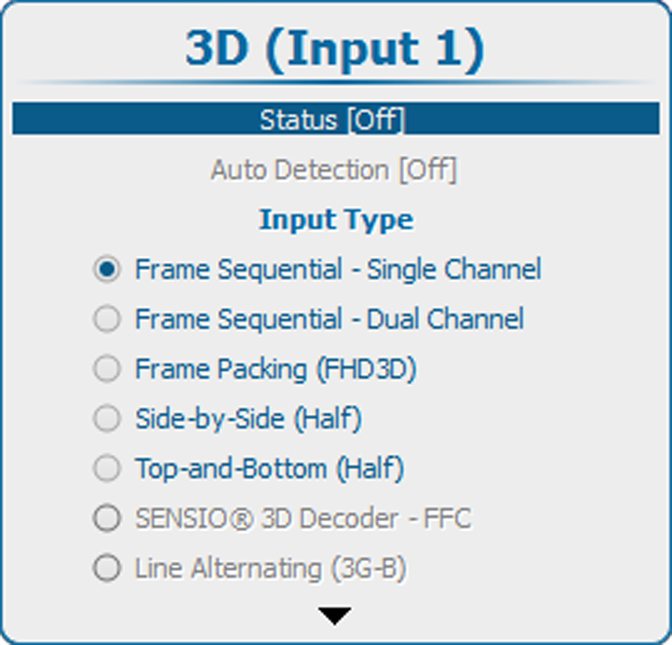
Press ENTER to toggle between and .
[On] : 3D activated
[Off] : 3D deactivated