What is possible?
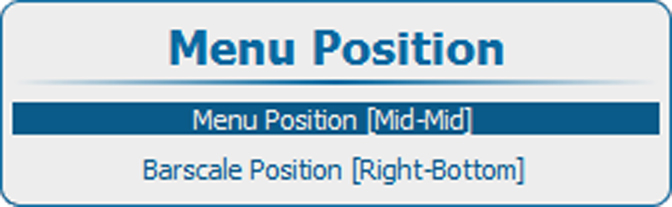
The on screen menu and the bar scale can be positioned on different places on the screen.
The following positions are possible for both
- Right-top
- Right-mid
- Right-bottom
- Mid-top
- Mid-mid
- Mid-bottom
- Left-top
- Left-mid
- Left-bottom

The on screen menu and the bar scale can be positioned on different places on the screen.
The following positions are possible for both
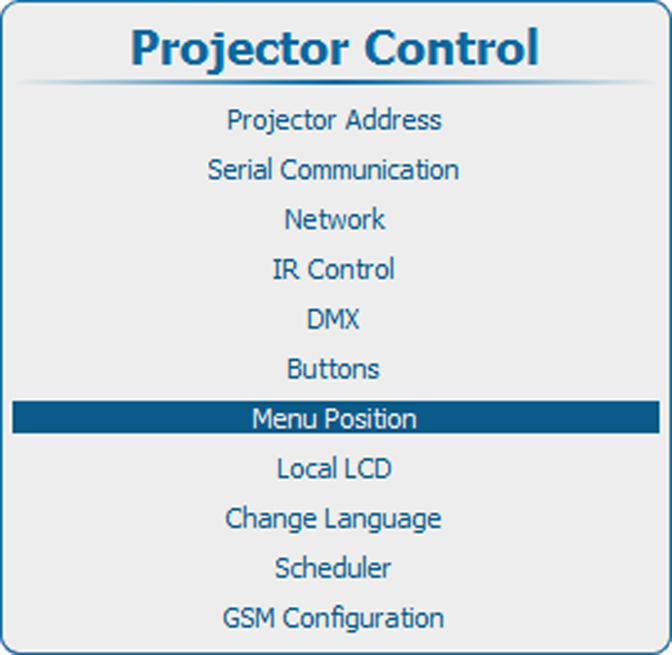
Press Menu to activate the menus and select → .